Starting from an empty database: create a database and table, then practice CRUD.
Create a database
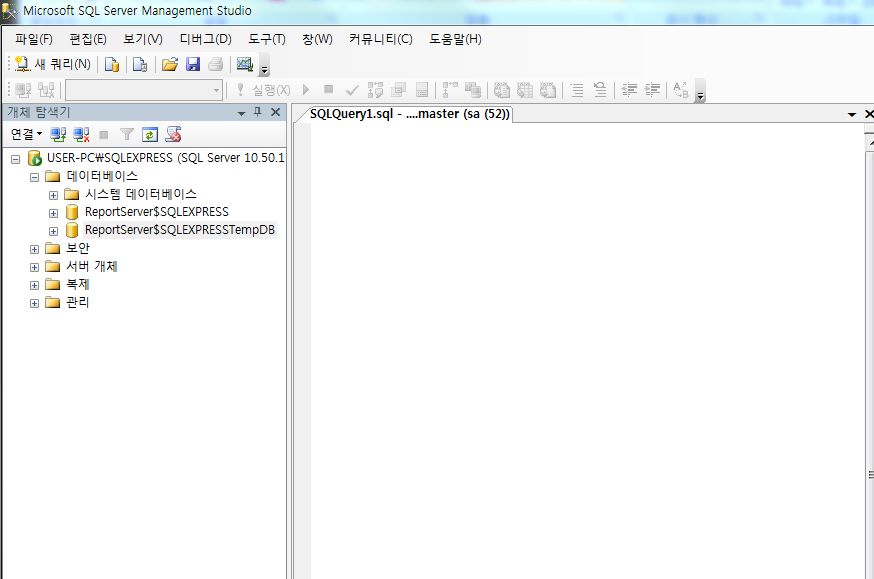
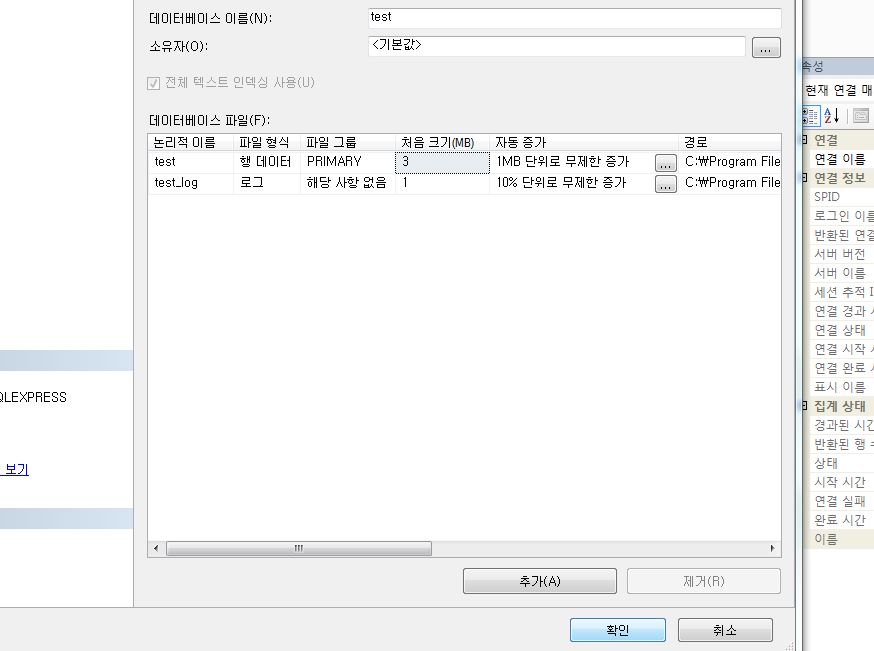
In Object Explorer, right-click Databases -> New Database. Confirm and you get a database named TEST (or whatever you chose). Databases can also be created with DDL; we will cover scripts and stored procedures later.
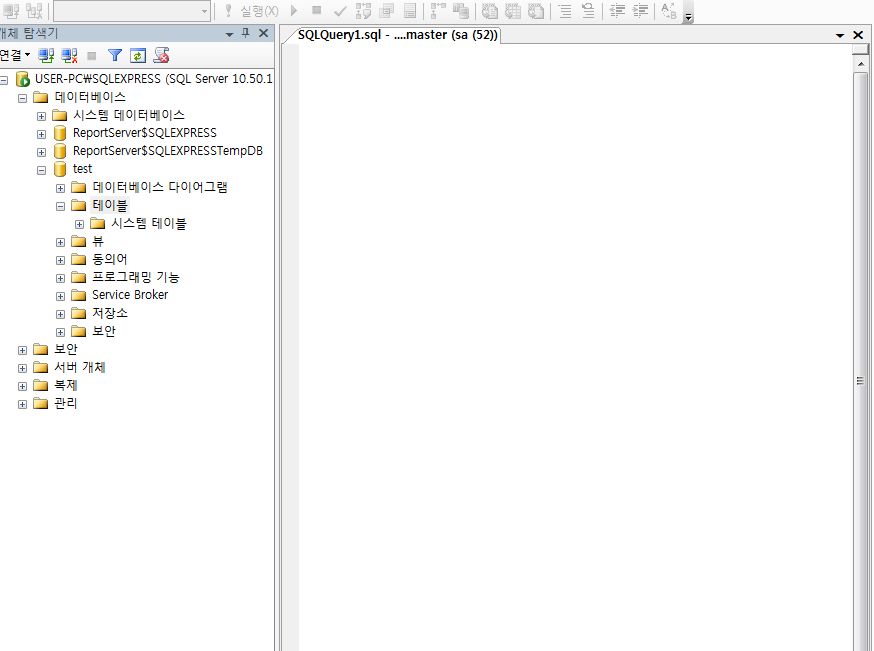
Create a table
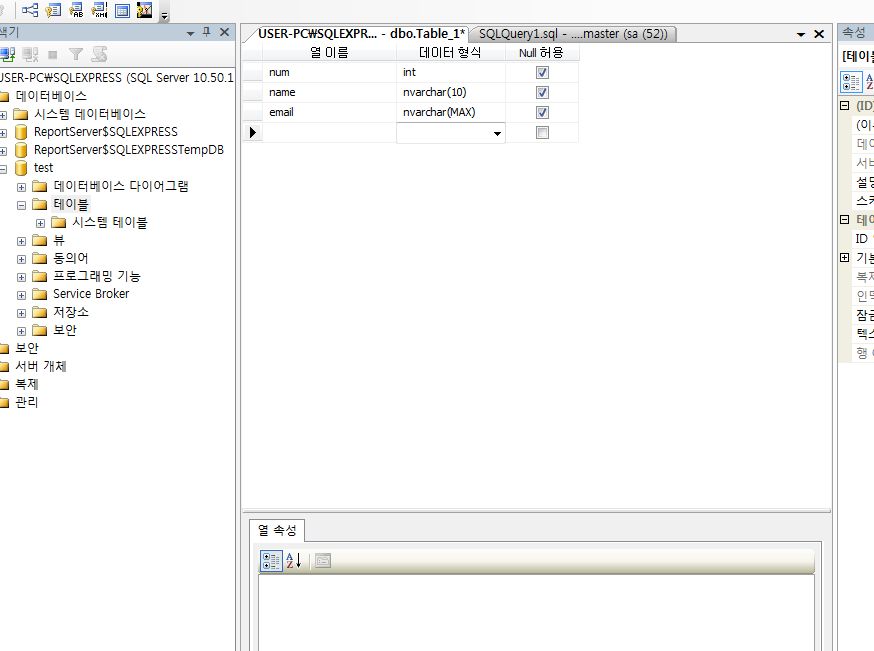
Define column names and data types, and set the primary key to NUM (right-click the NUM column -> Set Primary Key). Then right-click the tab and choose Save Table.
CRUD (Create, Read, Update, Delete)
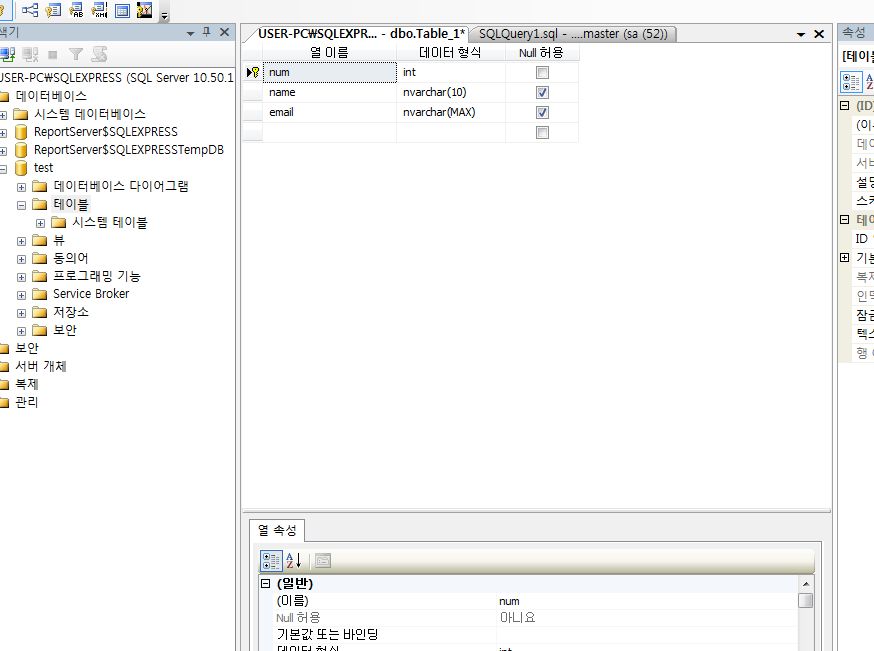
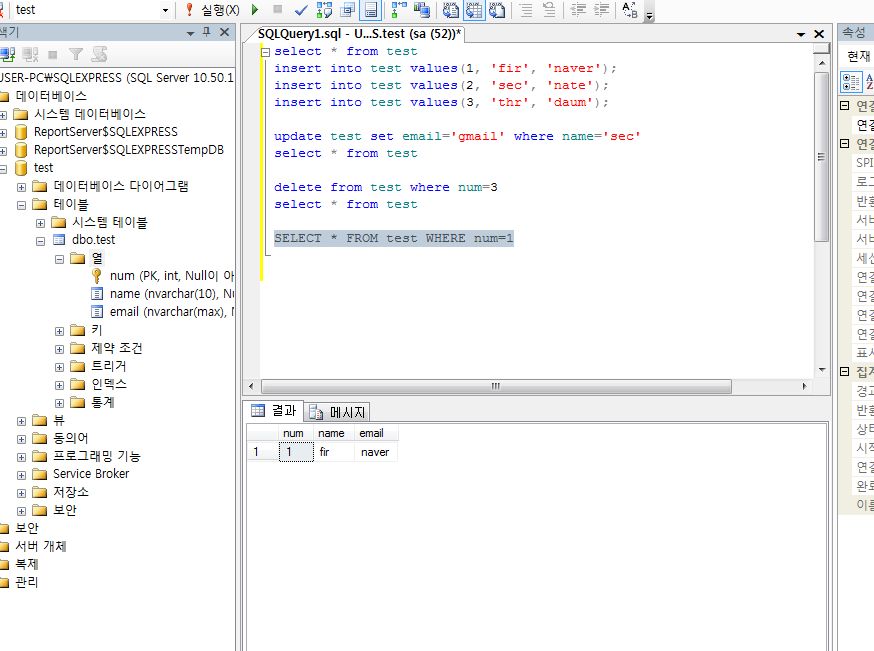
If the query window is connected to master, switch to your DB name (mine is TEST). Click New Query in the upper left.
Read:
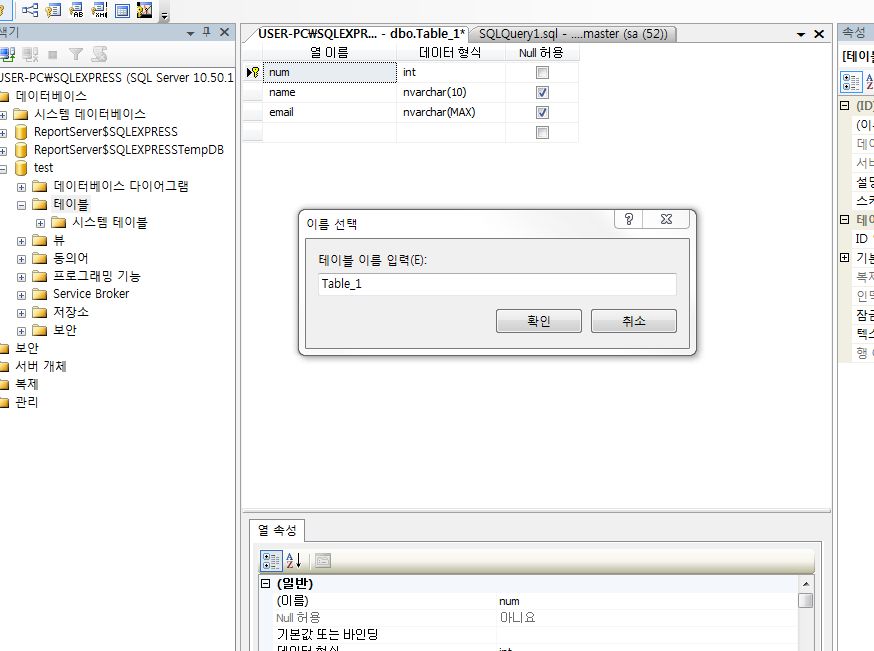
select * from table_name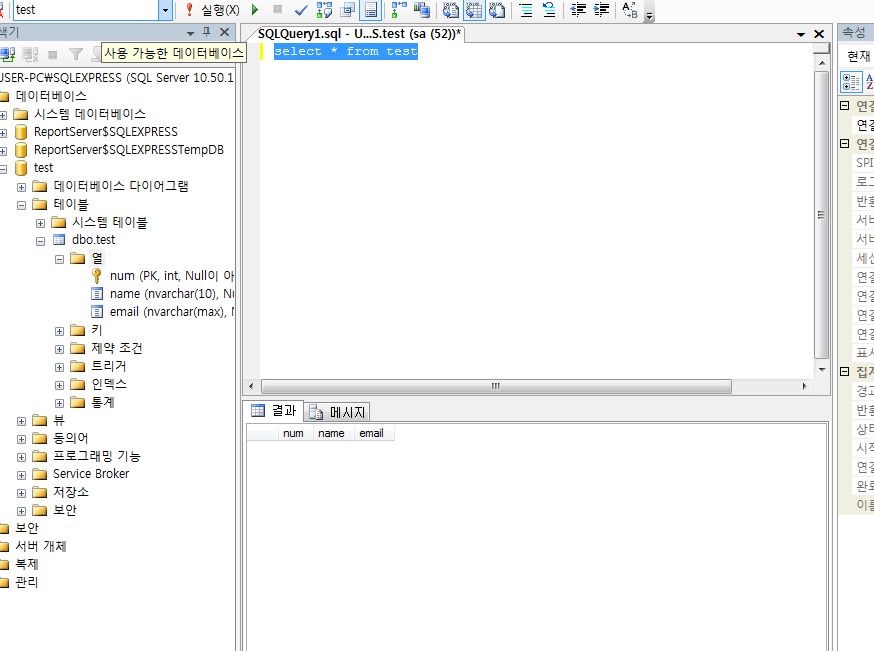
Insert:
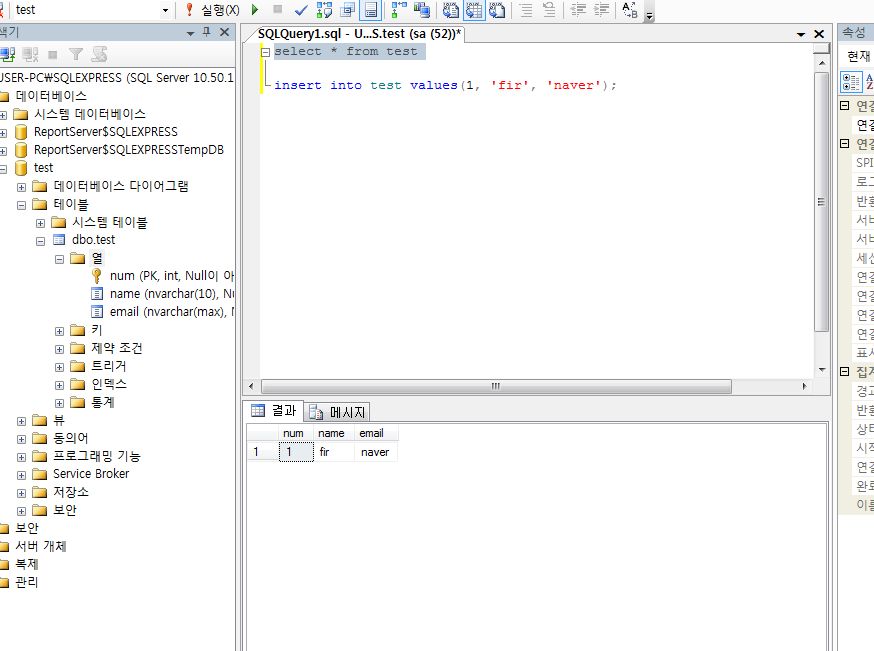
insert into table_name values();
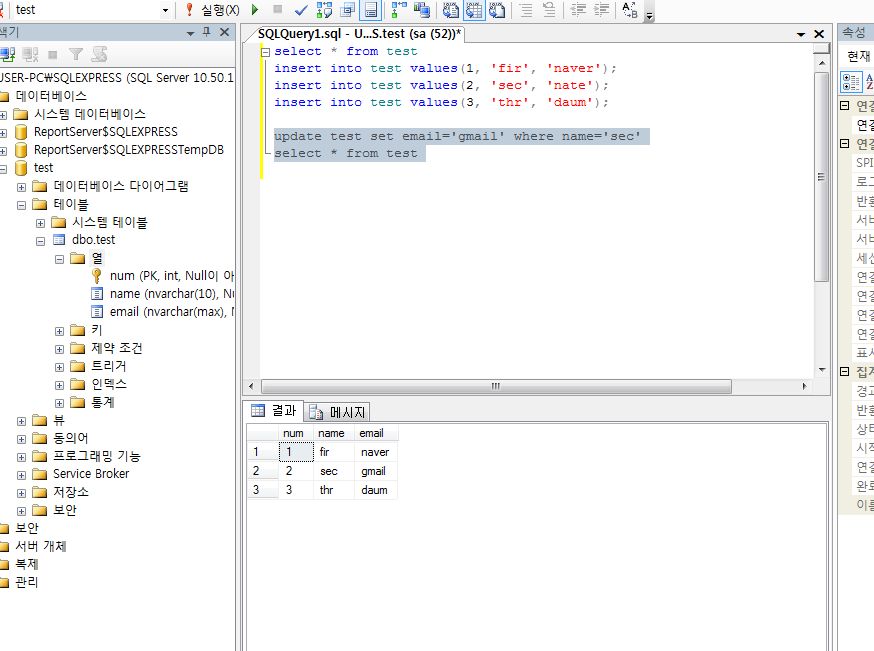
Update:
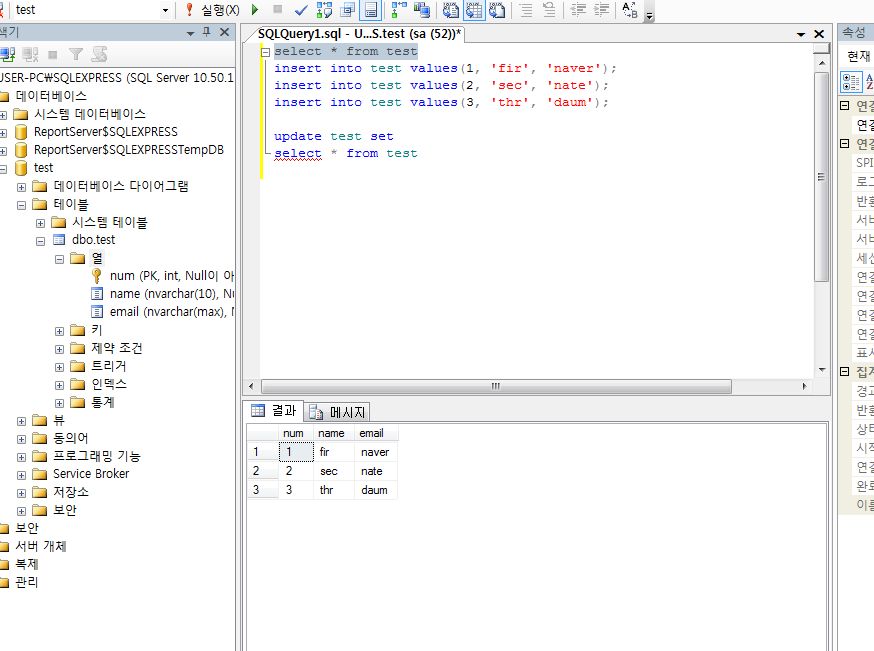
update table_name set column=new_value where search_column='search_value'
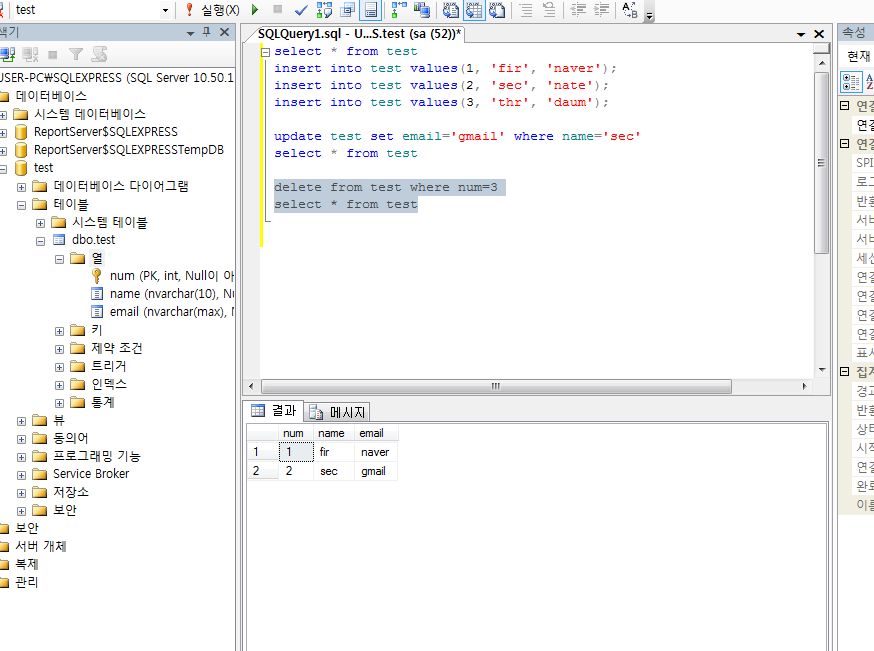
Delete:
delete from table_name where search_column='search_value'
Finally, read the rows where NUM=1. That covers CRUD SQL DML basics.
Leave a Reply