When should you read this?
Assume the API already runs on Fargate (Run, ALB HTTPS, Actions deploy).
The problem is simple. Fargate has no SSH. You cannot read journalctl like on EC2. App stdout goes to CloudWatch Logs, and you read it there.
The Run post already set up:
- log group
/ecs/api awslogson the task definition- execution role permission to write Logs (
AmazonECSTaskExecutionRolePolicy)
This post is what you do next: which task’s stream to open, and which command to use.
What you are building
One job today:
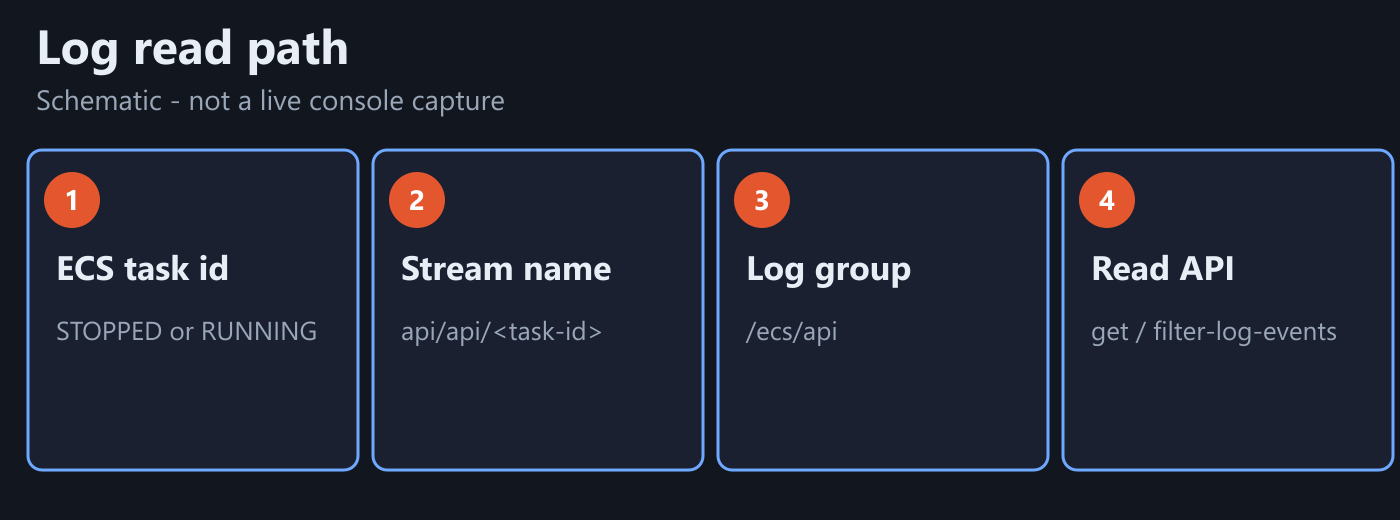
- Copy a task id from ECS (running or STOPPED).
- In log group
/ecs/api, find streamapi/api/<task-id>. - Read Spring lines with
get-log-events(orfilter-log-events).
You are not recreating the cluster or rewriting the task definition from scratch. If nothing lands in CloudWatch, jump to "When the group is empty", fix wiring, then come back.
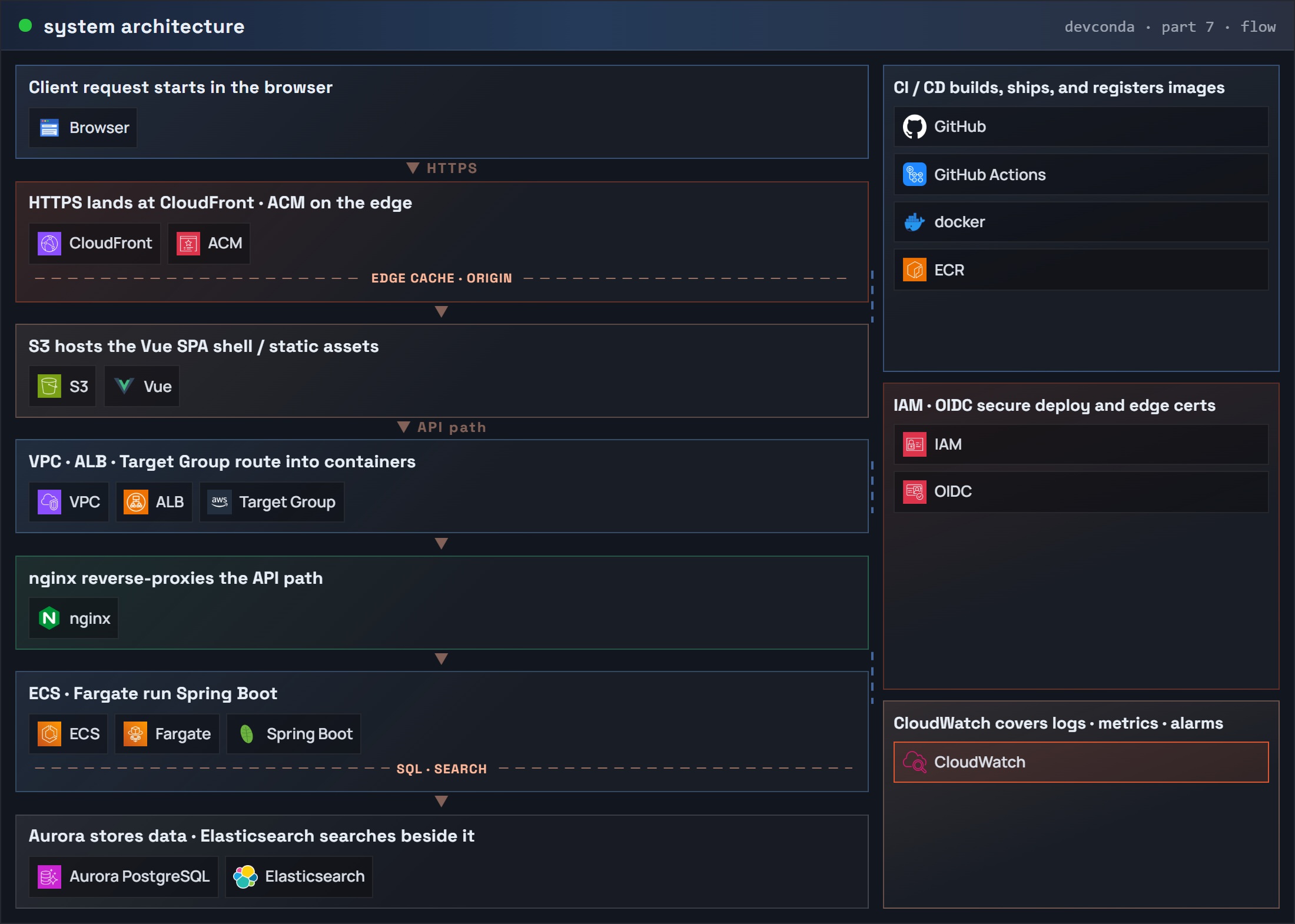
Part 7: system architecture (request flow) – CloudWatch
Read path (schematic):
1) Copy task id -> match stream name
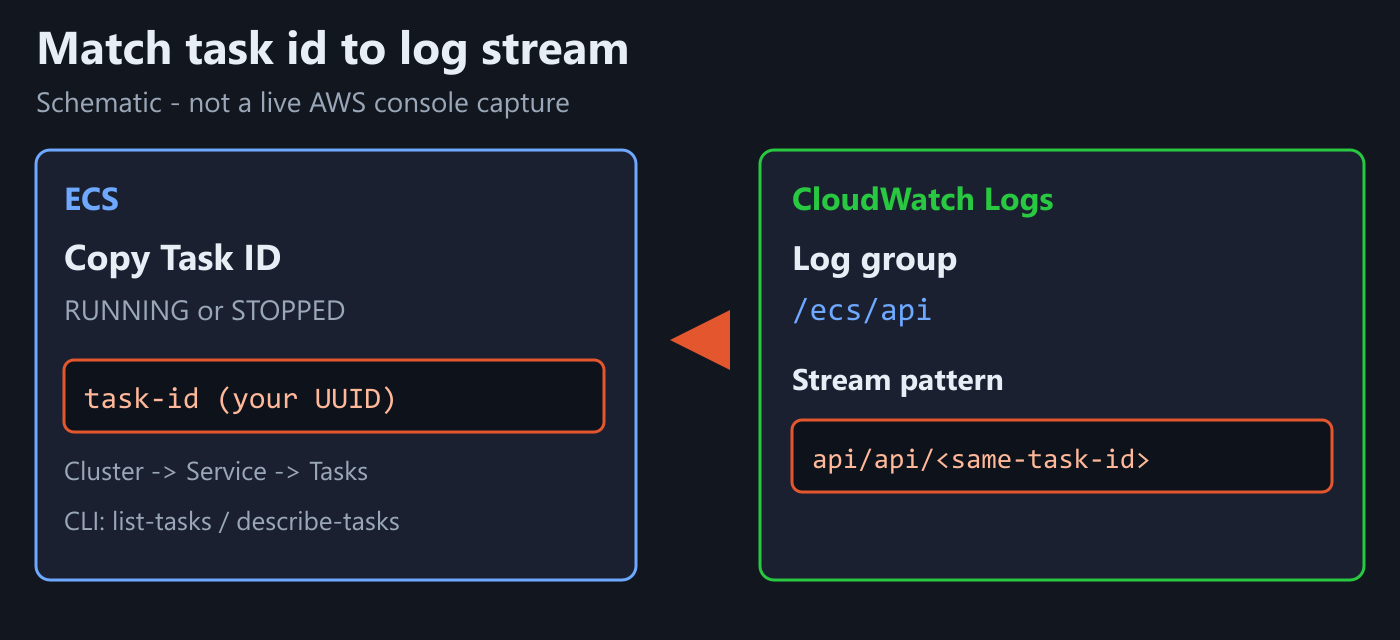
ECS console: Cluster -> Service -> Tasks -> open one task -> copy Task ID.
If awslogs prefix and container name are both api (Run sample), the stream name is usually:
api/api/<that-task-id>
List streams:
REGION=ap-northeast-2
LOG_GROUP=/ecs/api

aws logs describe-log-streams \
  --log-group-name $LOG_GROUP \
  --order-by LastEventTime \
  --descending \
  --max-items 10 \
  --region $REGION
Check that logStreamName contains that task id. Right after a failed deploy, you often need the STOPPED task id, not only the healthy RUNNING one.
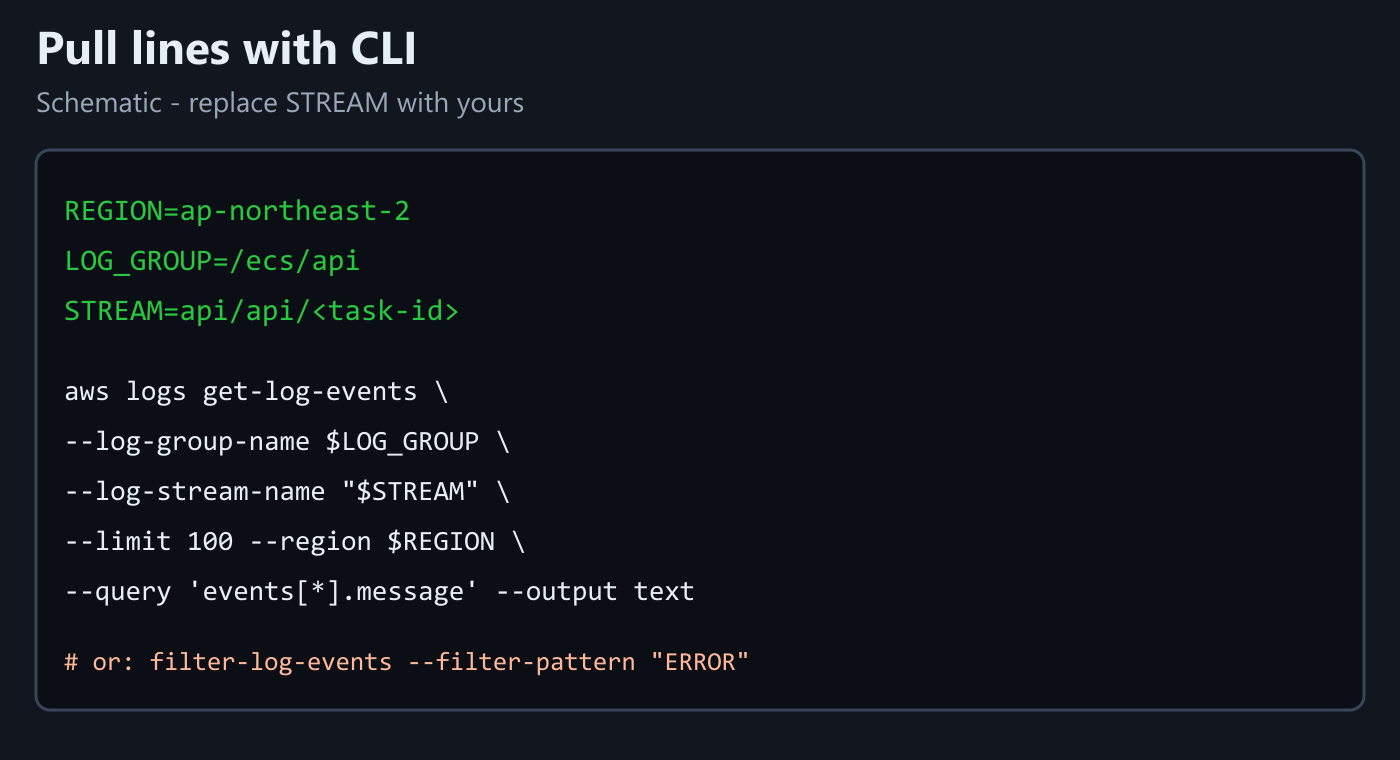
2) Read lines from that stream
LOG_GROUP=/ecs/api
STREAM=api/api/paste-task-id-here

aws logs get-log-events \
  --log-group-name $LOG_GROUP \
  --log-stream-name "$STREAM" \
  --limit 100 \
  --region ap-northeast-2 \
  --query 'events[*].message' \
  --output text
When you only remember an error fragment:
aws logs filter-log-events \
  --log-group-name $LOG_GROUP \
  --filter-pattern "ERROR" \
  --region ap-northeast-2 \
  --max-items 20
filter-log-events searches across streams. Use it when you do not know which task wrote the line.
3) When the group is empty
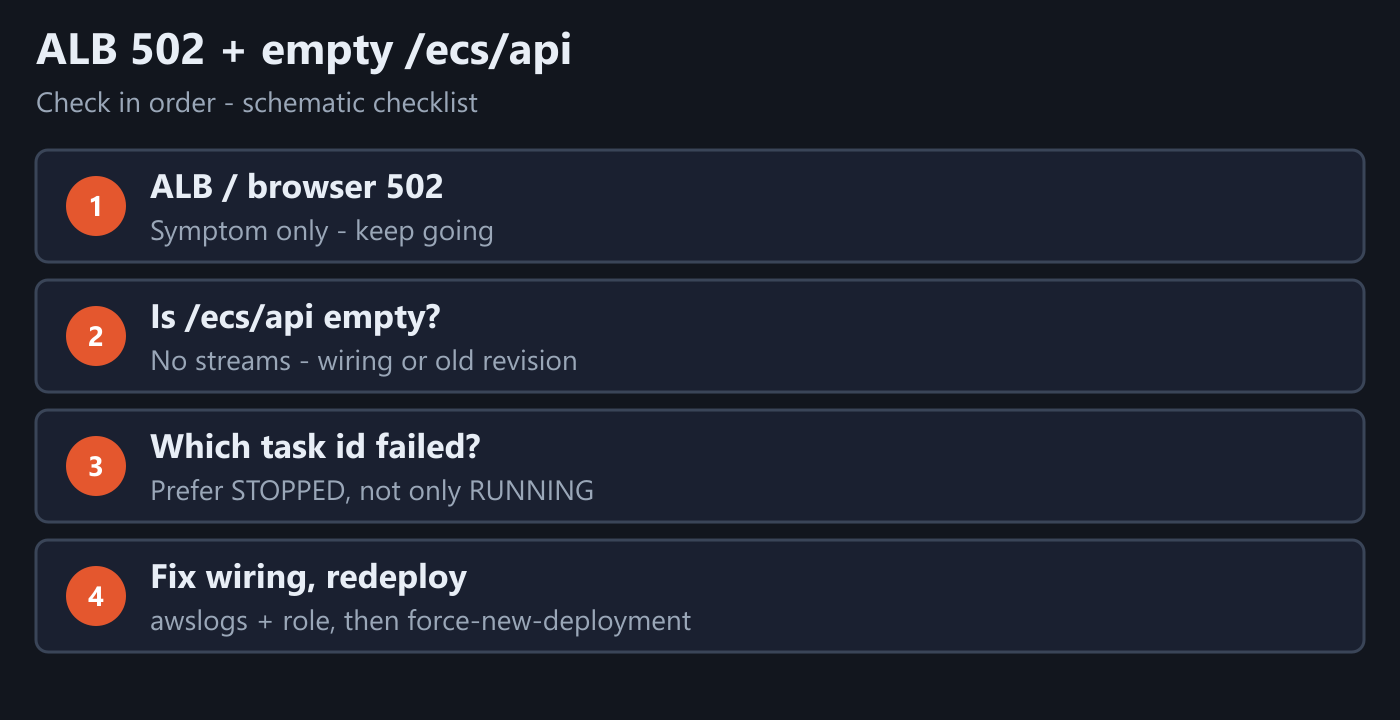
If the ALB/browser returns 502 and /ecs/api has no streams, CloudWatch itself is rarely "broken." Check in order:
- Is the failed task still on an old task-definition revision without
awslogs? - Can the execution role write to
/ecs/api? (Run post:AmazonECSTaskExecutionRolePolicy) - Do group name and region match
awslogs-group/awslogs-regionon the task? - Are you looking at a healthy task while the crash is on a neighboring STOPPED task id?
For 1-2, go back to Run Spring Boot on ECS Fargate, fix the wiring, then run one more ECS deploy (update-service --force-new-deployment or re-run Actions) so a task that actually has awslogs is running. When lines appear, return to steps 1-2 here.
Minimal checklist
- Copied a task id.
- Found
api/api/<that-id>under/ecs/api. - Saw Spring lines with
get-log-events, or found ERROR withfilter-log-events. - If the group stays empty – fix Run wiring, redeploy, then read again.
After that, Fargate failures are readable from the right CloudWatch stream – without SSH.




Leave a Reply