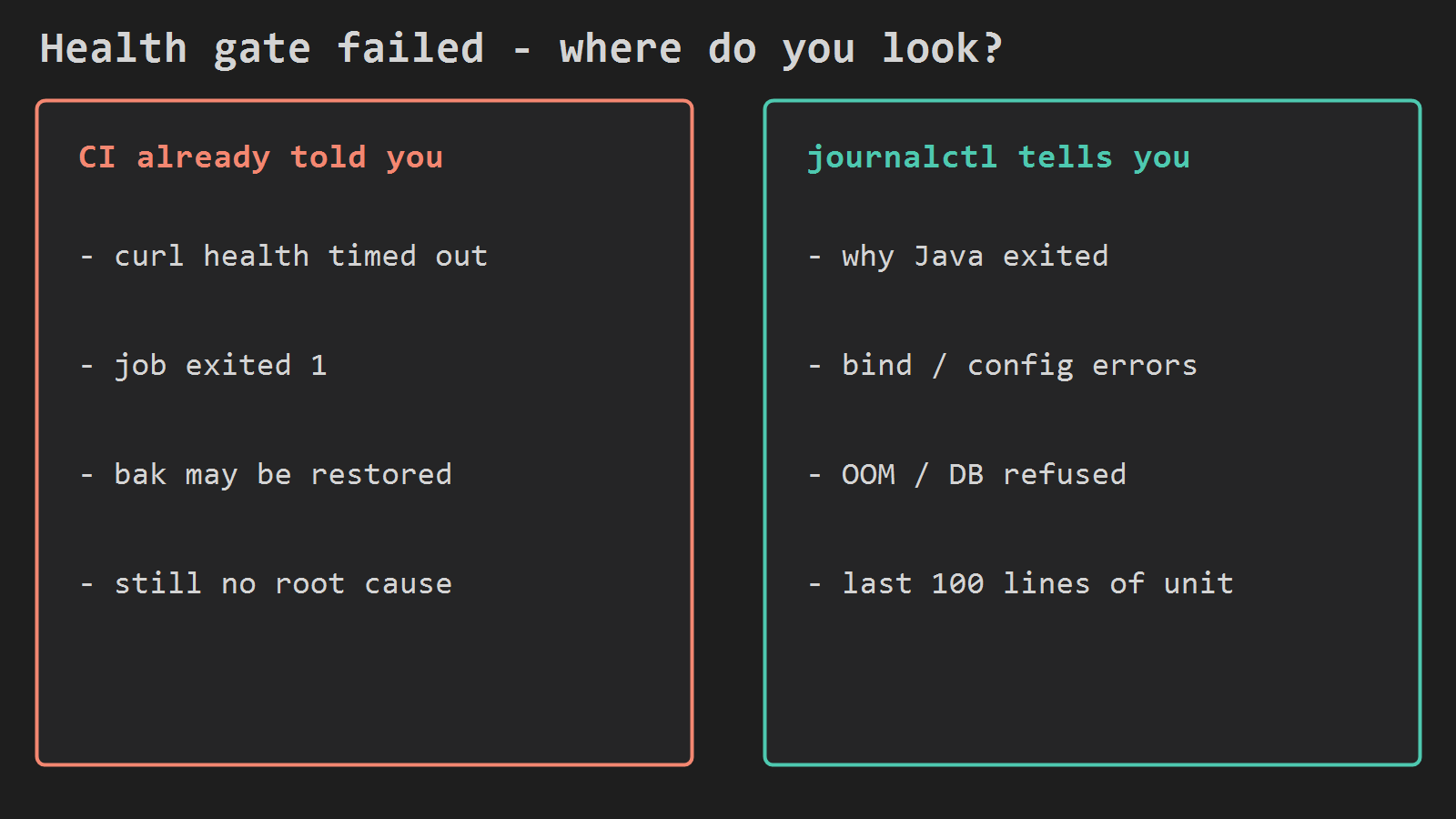
A red health gate means the new jar did not answer HTTP in time. GitHub Actions may show a timed-out curl, exit 1, or a bak restore. That is the symptom. It is not the cause.
The cause is usually in the systemd unit log on EC2. journalctl shows whether Java died on boot, failed to bind the port, rejected config, could not reach the database, or ran out of memory.
This follows Add Health Checks to GitHub Actions EC2 Deploys. Read that first if you do not poll health after systemctl restart yet. Open this post when that poll already failed and you need a root cause before the next push.
One command
If your unit is api.service:
journalctl -u api -n 100 --no-pager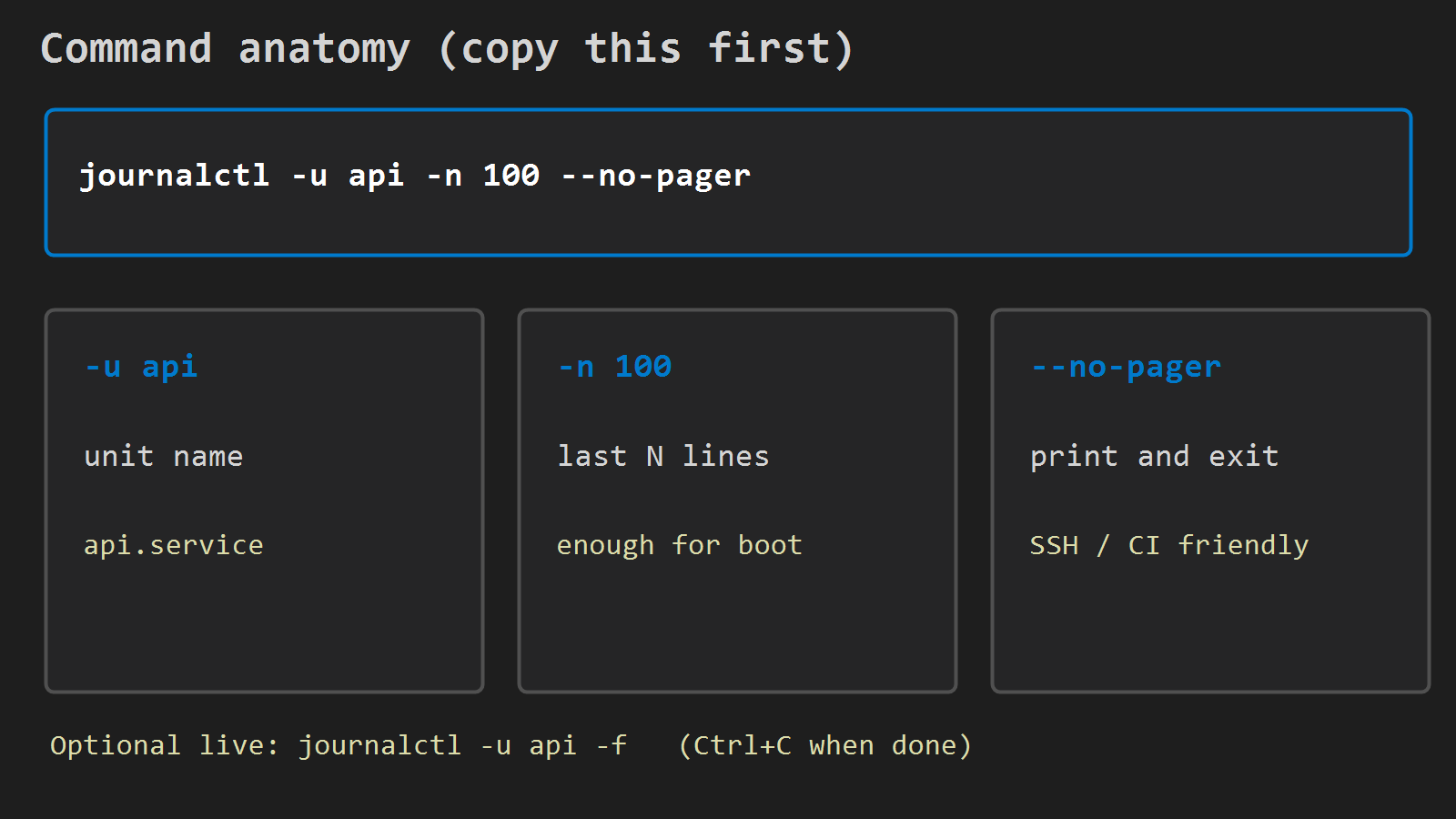
-u api: that unit (fileapi.service; drop the suffix in the flag)-n 100: last 100 lines – enough for most failed boots--no-pager: print and exit over SSH (and in CI)
Optional headline:
systemctl status api --no-pager -lLook for failed, activating (auto-restart), or a PID that keeps changing. Then go back to the journal.
To watch one restart:
sudo systemctl restart api
journalctl -u api -f
Ctrl+C when you have seen the failure. Do not leave -f hanging in an Actions step.
Patterns in the log
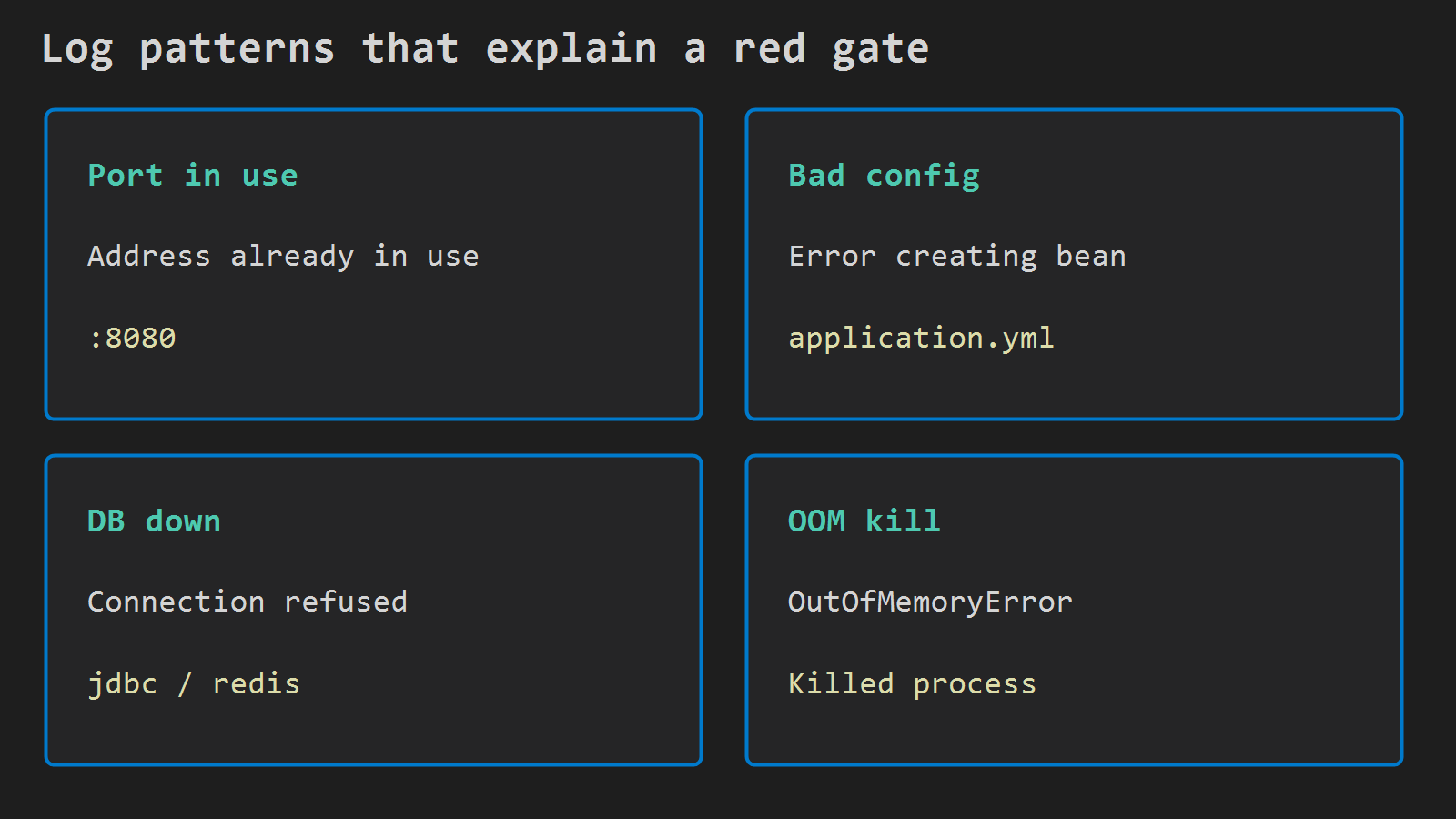
Port in use
Address already in use or BindException on 8080. Another process still holds the port.
ss -ltnp | grep 8080Until the new process binds, Nginx stays on 502 and the health curl keeps failing.
Bad config
Error creating bean, Failed to bind properties, Application run failed, or a missing profile. The JVM can exit before Actuator listens. Check Environment= in the unit, env files under /opt/api, and the application.yml from this deploy. A green Actions build only proves the jar compiled.
DB or Redis refused
Connection refused, Communications link failure, Unable to obtain JDBC Connection, or Redis errors. Wrong secret, security group, or a URL that works on a laptop but not on EC2. Not an Nginx problem.
Out of memory
OutOfMemoryError, or the kernel line Killed process ... java. Restarts can look fine while health never passes. Size the heap to the instance, or free what else runs on the box.
Wrong jar path or permissions
Unable to access jarfile, Permission denied, or No such file. ExecStart= and the deploy script must share one path (for example /opt/api/app.jar), and the service user must be able to read it after cp.
After you match a line
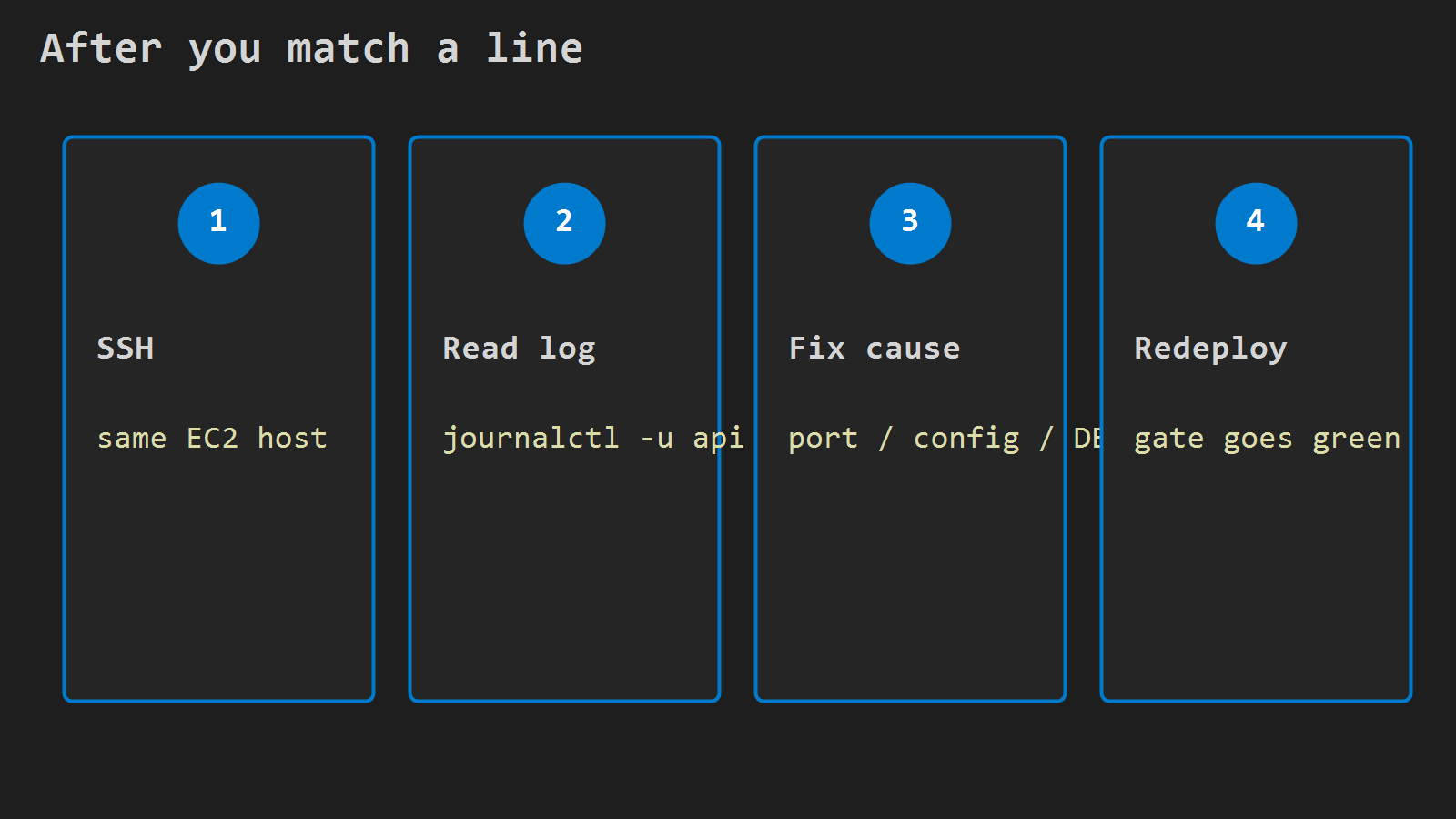
SSH to the same host the workflow uses, fix that cause, then redeploy (or restart with the fixed config) and let the health gate go green. If the gate already restored app.jar.bak, users may be fine while the failed boot is still in the journal – read it before later boots push it out of -n 100.
On health failure only, you can print the same journal line in Actions so the job log carries the cause:
journalctl -u api -n 100 --no-pager || true
exit 1
Skip that on green deploys. Green means the health poll already exited 0 – so this block sits only in the failure path after the poll loop, not after a successful curl.




Leave a Reply