At my new company we moved from SVN to Git, so I wrote this as a shared team guide.
Install Git
https://git-scm.com/download/win
Install SourceTree
https://www.sourcetreeapp.com/
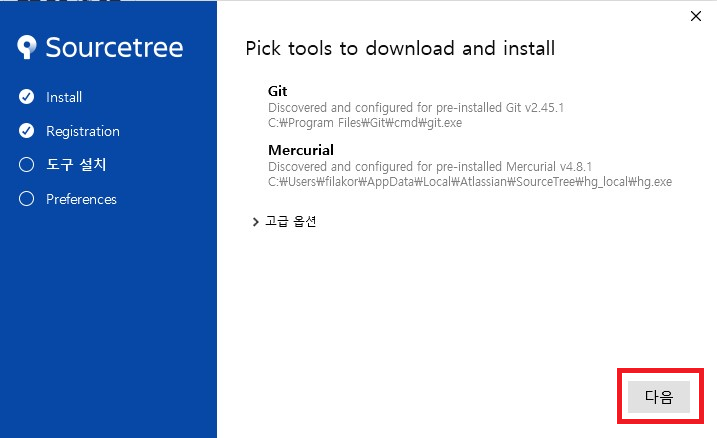
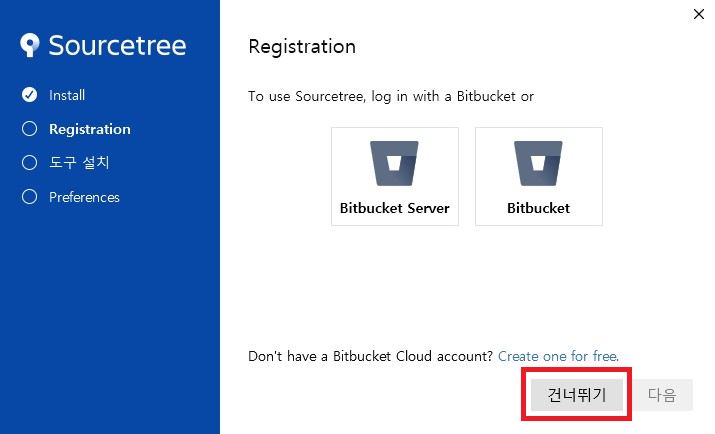
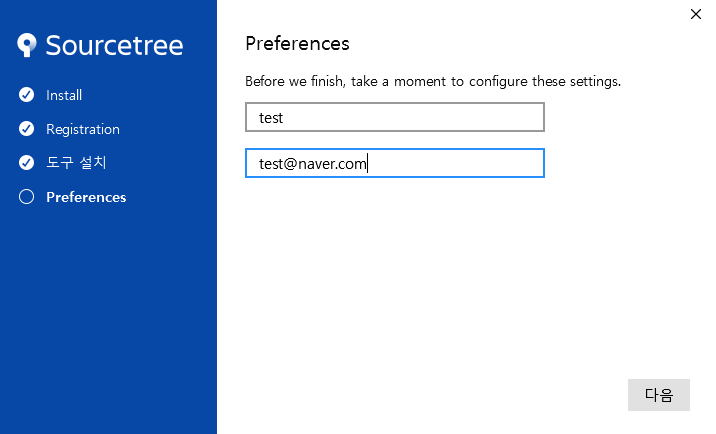
Click Skip where offered, then Next. Enter the name and email you will use for version control. When asked about an Atlassian account, choose No if you do not have one.
Clone a repository

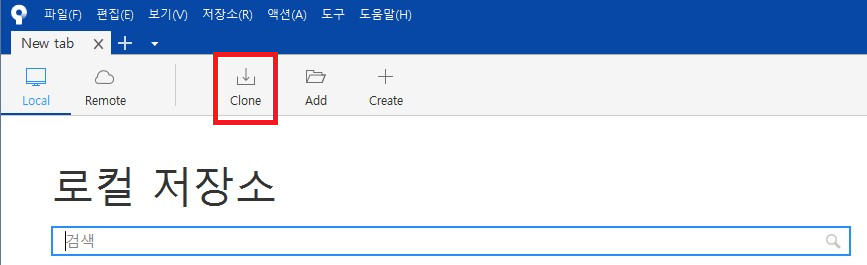
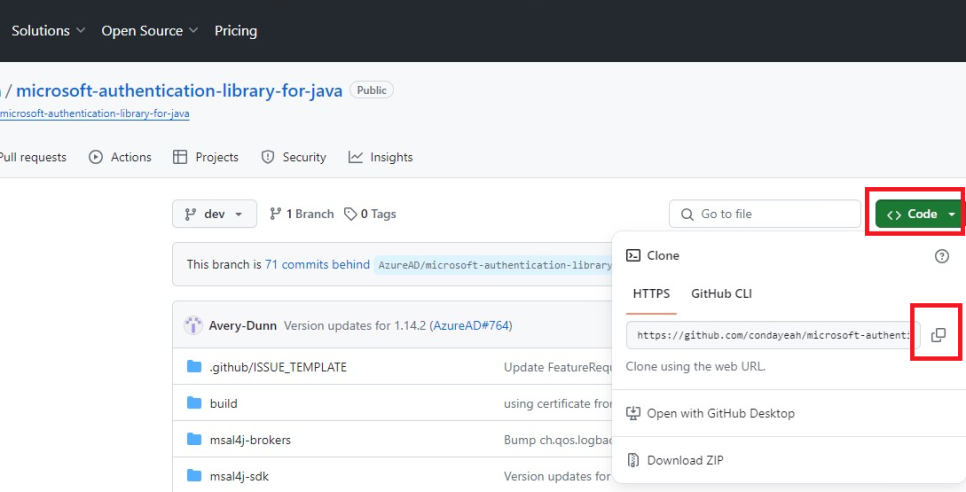
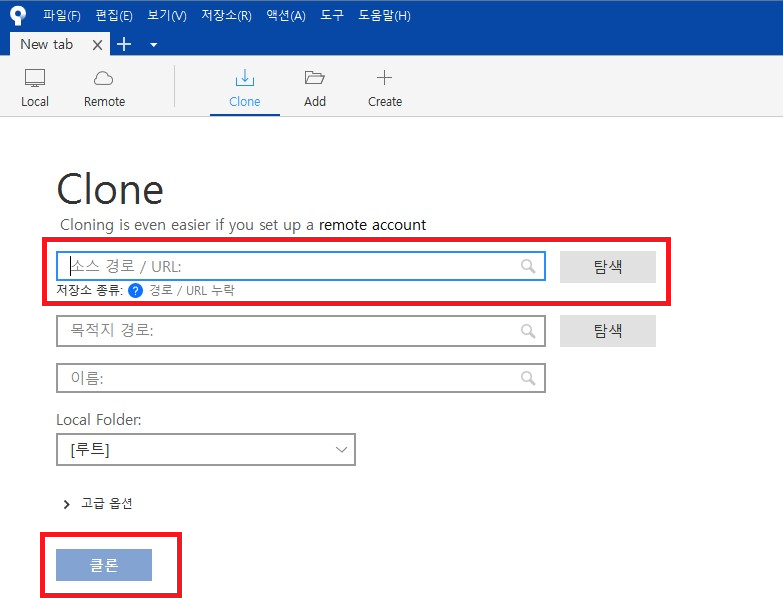
Click Clone. Copy the repository URL from GitHub or GitLab, paste it, and clone. If you already have a local Git checkout, use Browse to pick that path and then clone/add it.

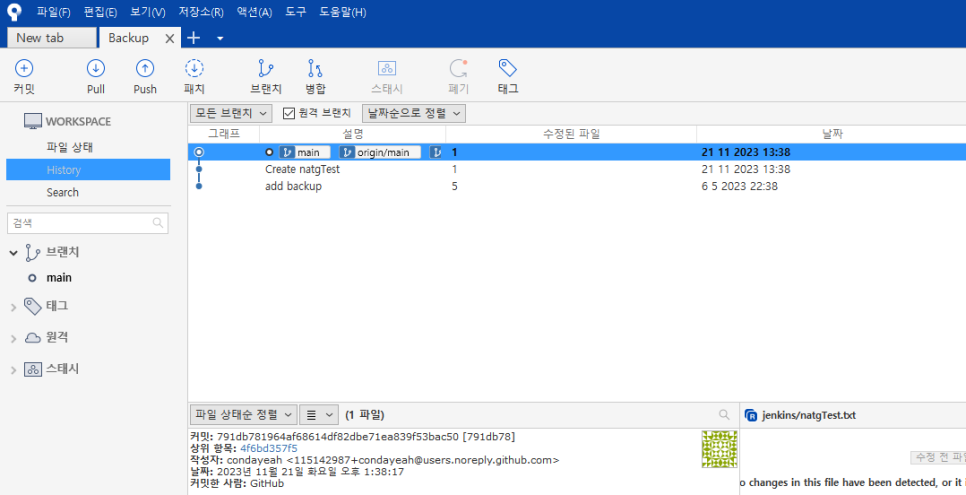
Compared with the GitHub or GitLab web UI, SourceTree makes branch graphs and day-to-day version control cleaner to work with.

Leave a Reply