This is how to recover when you accidentally run DROP TABLE. I meant to drop a table in test, but dropped one in development instead. After a brief panic, I looked up flashback recovery.
SELECT * FROM RECYCLEBIN
WHERE ORIGINAL_NAME = 'table_name';
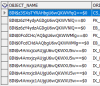
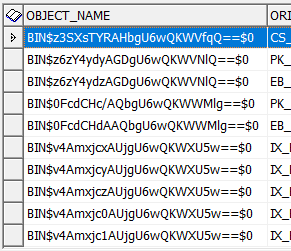
RECYCLEBIN is the recycle bin. If you query it without a condition, you see the list of tables dropped so far.
Running the query below restores the table in the order it was dropped:
FLASHBACK TABLE table_name TO BEFORE DROP;If you panicked after the drop and already created a new table with the same name, use the PURGE option to remove the new table completely. It will not go into the recycle bin.
Then the table you need to restore is next in line, so run flashback again.
DROP TABLE table_name PURGE;After recovery, querying works normally:
SELECT * FROM table_name;Do not panic just because you dropped something. And hopefully this becomes a reminder to double-check before you drop.
Leave a Reply