When should you read this?
You already run Spring Boot on Fargate, wire Aurora, and store sessions on Redis. If the create/order API still calls notify, inventory, or index updates over HTTP in the same request, you get three failures:
- Slow mail makes the user wait on the button.
- A down notification service makes the order API look failed.
- The order service must know every peer URL.
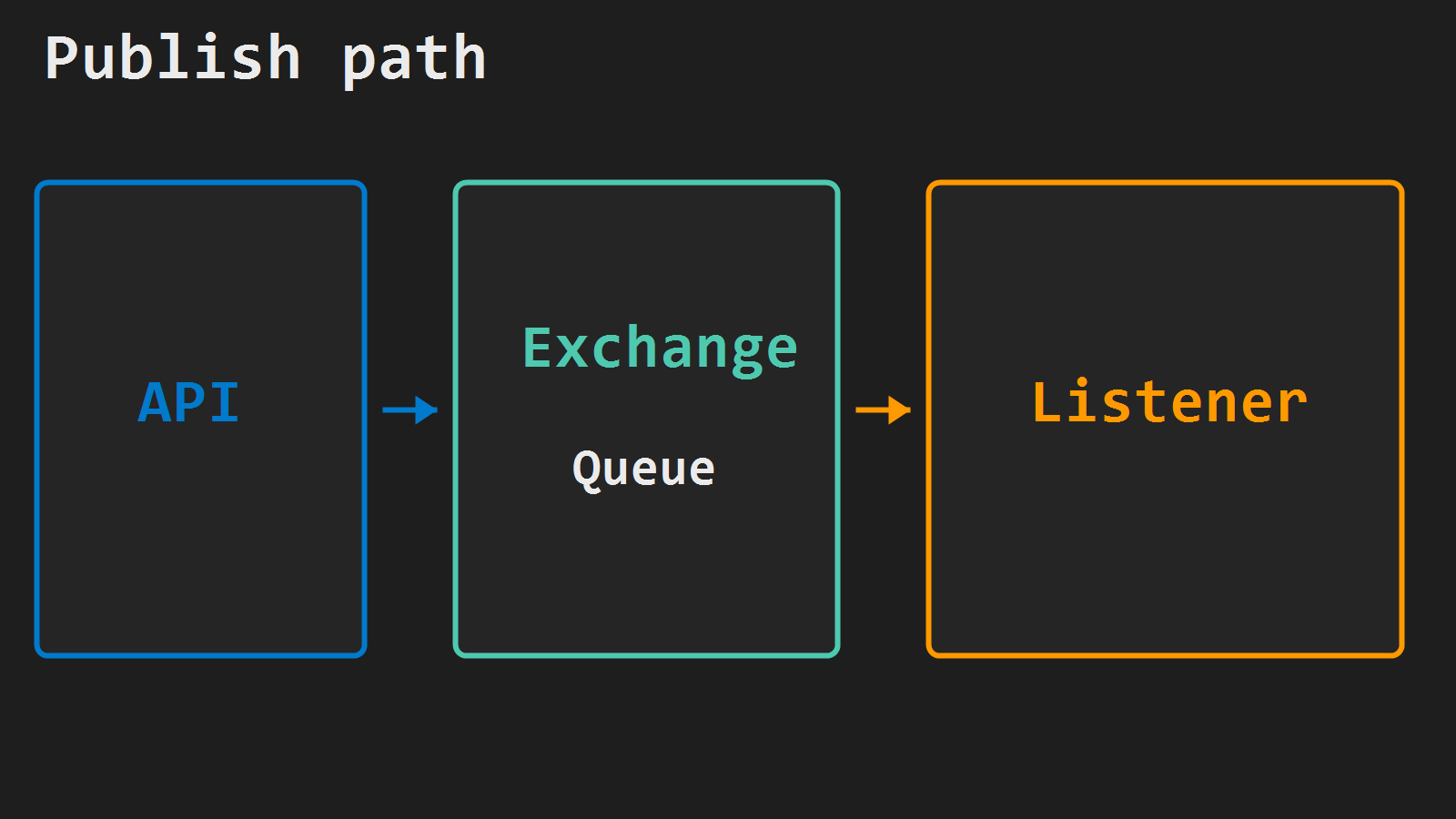
A message queue lets the API leave a note and return 201 fast while workers finish later. The concept post covers that shape. This post is where the broker lives on Fargate: there is no host beside the jar for 127.0.0.1:5672, so you put RabbitMQ in the same VPC on private 5672, then prove one publish and one @RabbitListener.
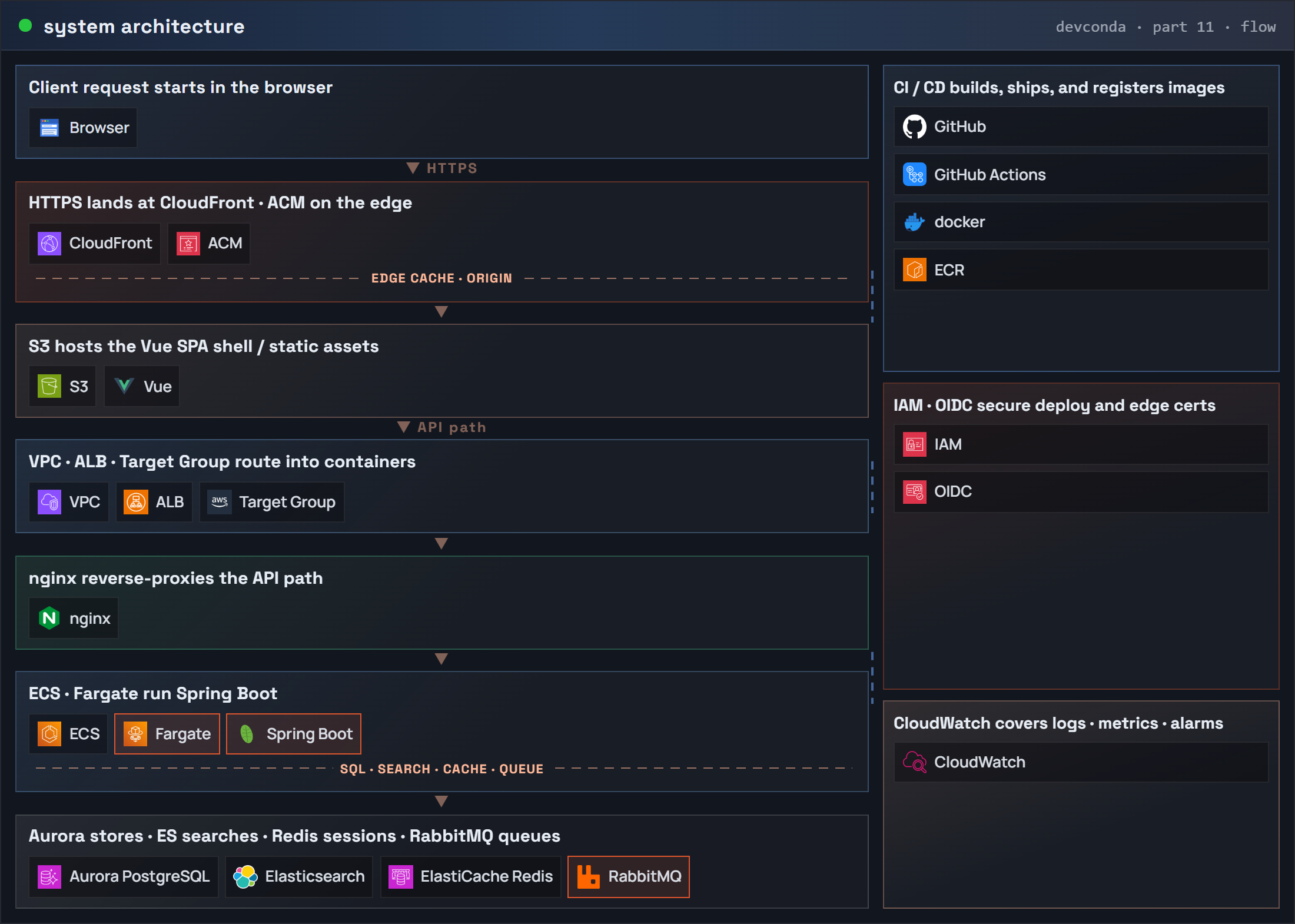
The series architecture keeps the same request flow and adds RabbitMQ on the data side.
What you are building
Same account / region / VPC / API task security group as the Fargate series. RabbitMQ runs as a second Fargate service (management image for the lab). Only the task SG may open TCP 5672.
End state: POST /api/orders saves (or stubs) then publishes OrderCreated; a consumer logs or updates a side path; the queue shows the message handled. Port 15672 stays private too – do not expose the management UI on the ALB for this lab.
System architecture (request flow) – RabbitMQ
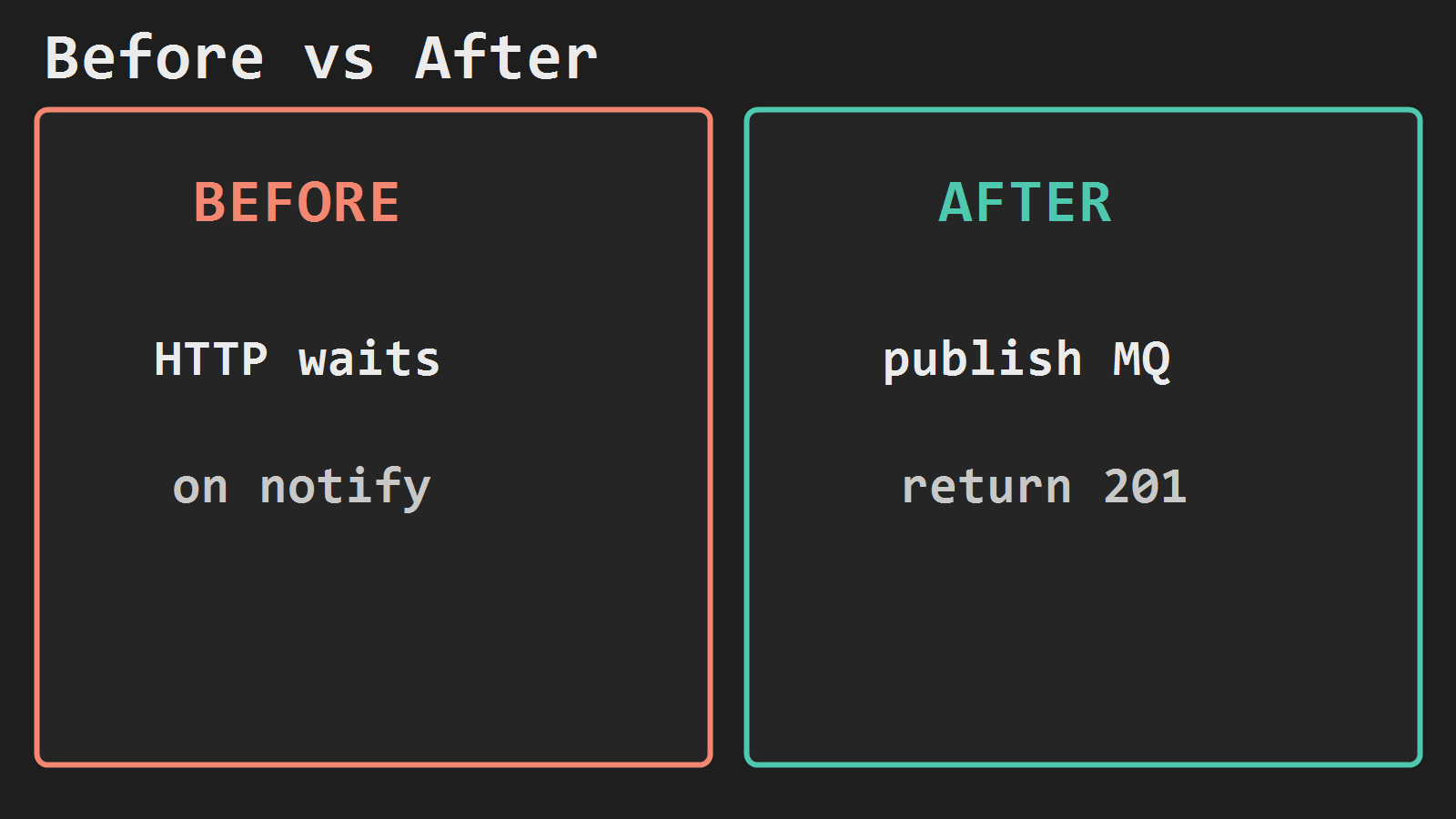
Before: HTTP waits on notify. After: publish to RabbitMQ and return 201.
When HTTP stays, when RabbitMQ takes it
You do not replace every call with a queue. Ask two things: does the caller need the result in this response, and can the work finish later if a peer is briefly down?
Keep HTTP when the browser or ALB needs an answer now – login and session checks, single-row reads, payment approval, permission guards, health checks, and CRUD where the UI must show the save result immediately.
Use RabbitMQ when the API should return first and side work can wait – email or push after create, inventory or points fan-out, search index sync, audit lines, PDF or thumbnail jobs, and any event several consumers each need a copy of.
In this post the split is concrete: POST /api/orders stays HTTP (201 + body). Publishing OrderCreated and the @RabbitListener path are RabbitMQ. If you would have called notification over REST inside the same request thread, move that call to the listener instead.
RabbitMQ security group
REGION=ap-northeast-2
VPC_ID=vpc-xxxxxxxx
TASK_SG=sg-yyyyyyyy
SUBNET=subnet-zzzzzzzz
CLUSTER=api

RMQ_SG=$(aws ec2 create-security-group \
  --group-name api-rabbitmq-sg \
  --description "RabbitMQ AMQP from Fargate api tasks only" \
  --vpc-id $VPC_ID \
  --region $REGION \
  --query GroupId --output text)

aws ec2 authorize-security-group-ingress \
  --group-id $RMQ_SG \
  --protocol tcp --port 5672 \
  --source-group $TASK_SG \
  --region $REGION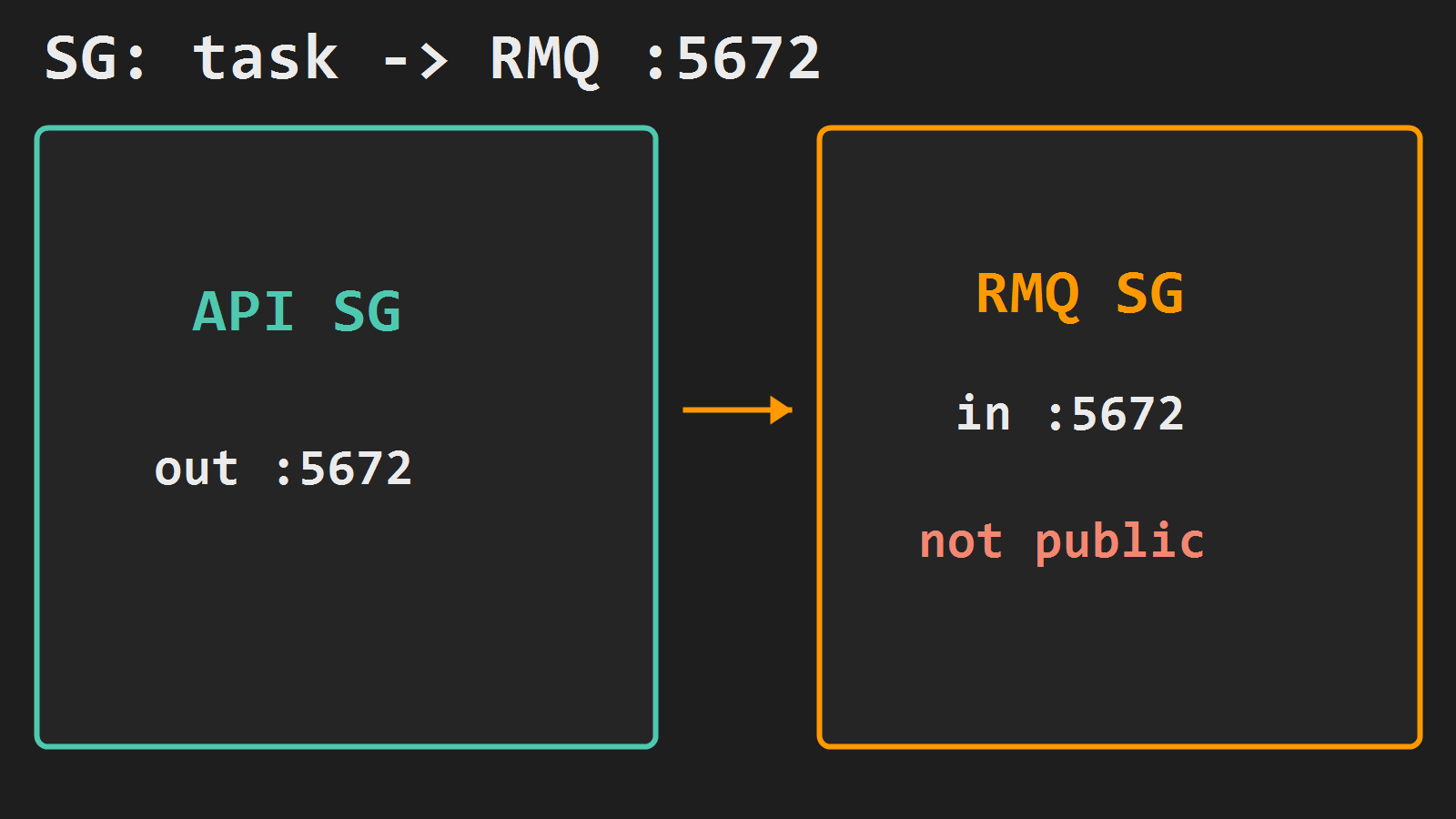
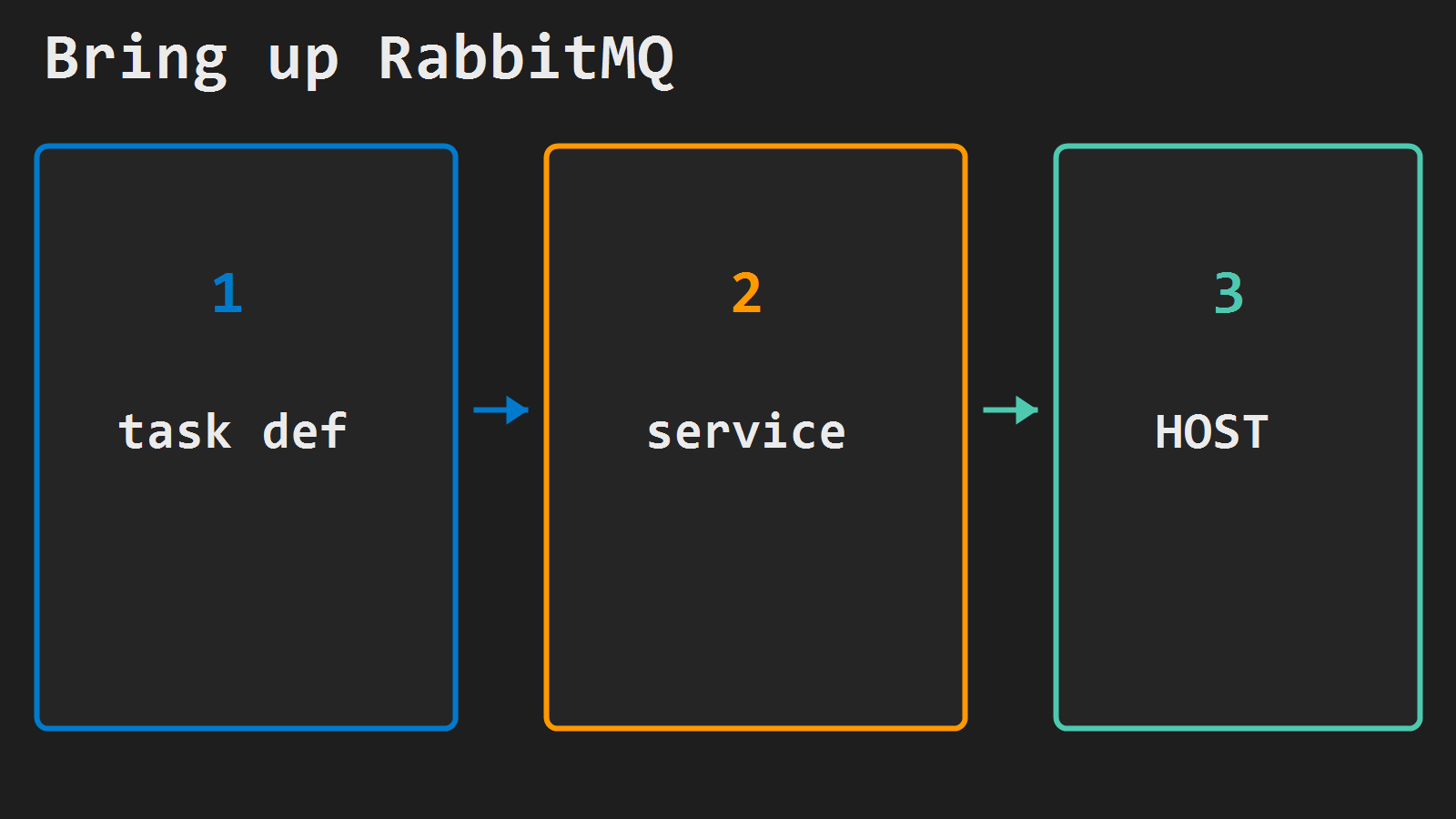
Run RabbitMQ as a Fargate service
Reuse ecsTaskExecutionRole. Lab image rabbitmq:3-management. About 1 vCPU / 2048 MiB.
Write rmq-task-def.json (replace EXEC_ROLE_ARN):
{
  "family": "rabbitmq",
  "networkMode": "awsvpc",
  "requiresCompatibilities": ["FARGATE"],
  "cpu": "1024",
  "memory": "2048",
  "executionRoleArn": "EXEC_ROLE_ARN",
  "containerDefinitions": [
    {
      "name": "rabbitmq",
      "image": "rabbitmq:3-management",
      "essential": true,
      "portMappings": [
        { "containerPort": 5672, "protocol": "tcp" },
        { "containerPort": 15672, "protocol": "tcp" }
      ],
      "environment": [
        { "name": "RABBITMQ_DEFAULT_USER", "value": "app" },
        { "name": "RABBITMQ_DEFAULT_PASS", "value": "change-me" }
      ],
      "logConfiguration": {
        "logDriver": "awslogs",
        "options": {
          "awslogs-group": "/ecs/rabbitmq",
          "awslogs-region": "ap-northeast-2",
          "awslogs-stream-prefix": "rmq"
        }
      }
    }
  ]
}
aws logs create-log-group --log-group-name /ecs/rabbitmq --region $REGION
aws ecs register-task-definition \
--cli-input-json file://rmq-task-def.json \
--region $REGION
aws ecs create-service \
--cluster $CLUSTER \
--service-name rabbitmq \
--task-definition rabbitmq \
--desired-count 1 \
--launch-type FARGATE \
--network-configuration "awsvpcConfiguration={subnets=[$SUBNET],securityGroups=[$RMQ_SG],assignPublicIp=DISABLED}" \
--region $REGIONRead the private IPv4:
TASK=$(aws ecs list-tasks --cluster $CLUSTER --service-name rabbitmq \
  --region $REGION --query 'taskArns[0]' --output text)

RMQ_HOST=$(aws ecs describe-tasks --cluster $CLUSTER --tasks $TASK \
  --region $REGION \
  --query 'tasks[0].attachments[0].details[?name==`privateIPv4Address`].value' \
  --output text)
Default user/pass above is lab-only. Move secrets to Secrets Manager before anything shared. If the task restarts and gets a new IP, update SPRING_RABBITMQ_HOST (or add service discovery later).
Point Spring at that host
Dependencies: spring-boot-starter-amqp.
spring:
  rabbitmq:
    host: ${SPRING_RABBITMQ_HOST}
    port: 5672
    username: ${SPRING_RABBITMQ_USERNAME}
    password: ${SPRING_RABBITMQ_PASSWORD}
@Configuration
public class AmqpConfig {
public static final String EXCHANGE = "orders.topic";
public static final String QUEUE = "notify.order-created";
public static final String KEY = "order.created";
@Bean
TopicExchange ordersExchange() { return new TopicExchange(EXCHANGE); }
@Bean
Queue notifyQueue() { return QueueBuilder.durable(QUEUE).build(); }
@Bean
Binding notifyBinding(Queue notifyQueue, TopicExchange ordersExchange) {
return BindingBuilder.bind(notifyQueue).to(ordersExchange).with(KEY);
}
}@Service
public class OrderPublisher {
private final RabbitTemplate rabbit;
public OrderPublisher(RabbitTemplate rabbit) { this.rabbit = rabbit; }
public void publishCreated(String orderId) {
rabbit.convertAndSend(
AmqpConfig.EXCHANGE, AmqpConfig.KEY,
Map.of("event", "OrderCreated", "orderId", orderId));
}
}@Component
public class OrderCreatedListener {
@RabbitListener(queues = AmqpConfig.QUEUE)
public void onCreated(Map<String, String> event) {
System.out.println("consumed " + event.get("orderId"));
}
}On the api task definition:
| Name | Value |
|---|---|
SPRING_RABBITMQ_HOST | $RMQ_HOST |
SPRING_RABBITMQ_USERNAME | app |
SPRING_RABBITMQ_PASSWORD | from secrets / task secret |
Roll with the same GitHub Actions deploy to Fargate path, or update-service --force-new-deployment.
Verify
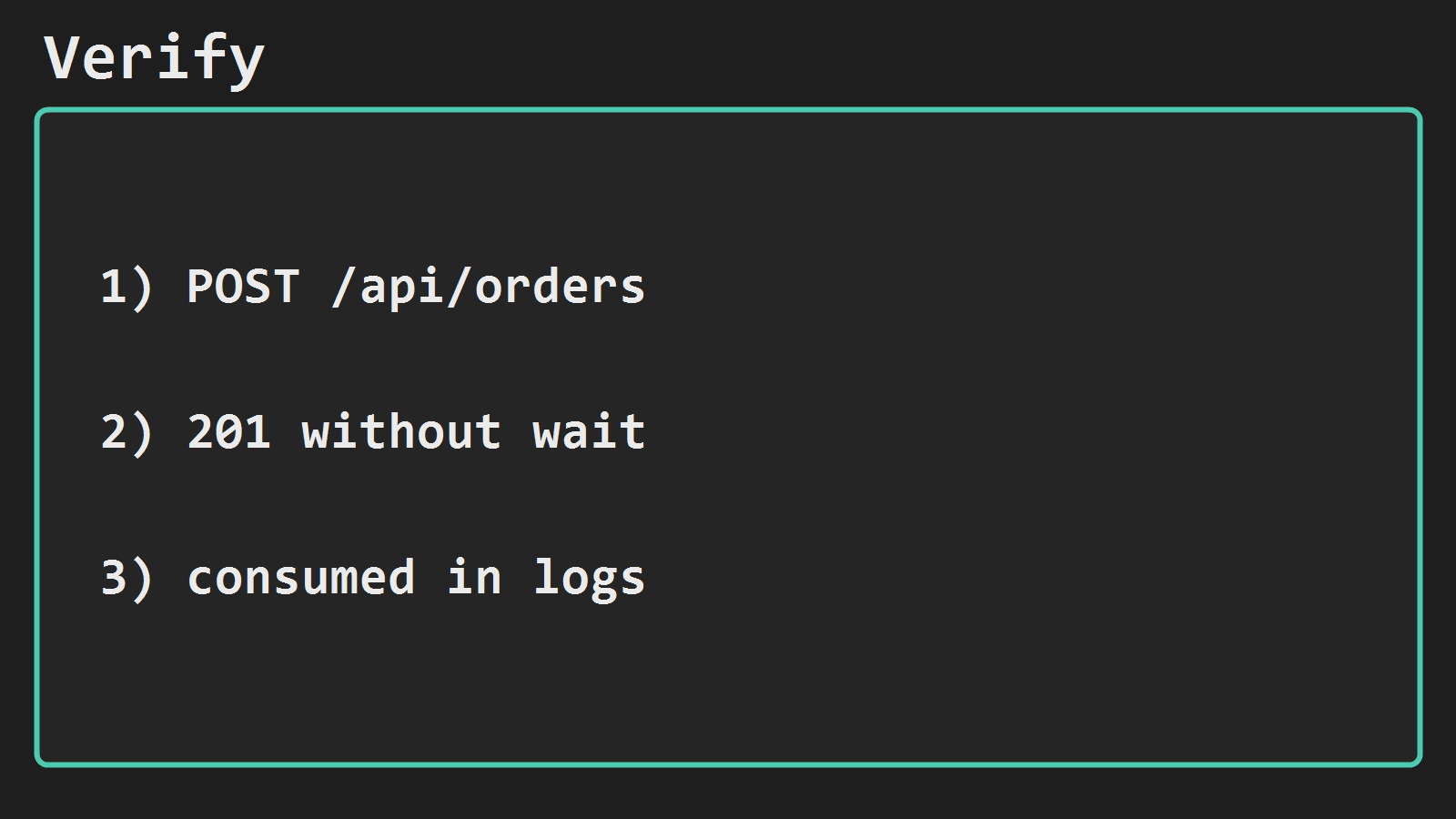
curl -sf -X POST "https://api.example.com/api/orders" \
  -H "Content-Type: application/json" \
  -d '{"item":"demo"}'
Expect 201 quickly. In CloudWatch /ecs/api (or the consumer log line) you should see consumed .... From a host inside the VPC you can also hit management on $RMQ_HOST:15672 only if you temporarily open 15672 from a bastion SG – not from the internet.
Connection refused from the API task means wrong host, SG, or RabbitMQ service down. Broker up but no consume usually means the queue/binding beans never ran, or the listener is on another image revision.
Minimal checklist
- RabbitMQ SG allows
5672only from the API task SG; not public. - Service
rabbitmqrunning;RMQ_HOSTprivate IP set on the API task. - Exchange + durable queue + binding declared; publish on order create.
@RabbitListenerconsumes; HTTP returns without waiting on that work.- Lab passwords rotated before any shared or production environment.




Leave a Reply