When should you read this?
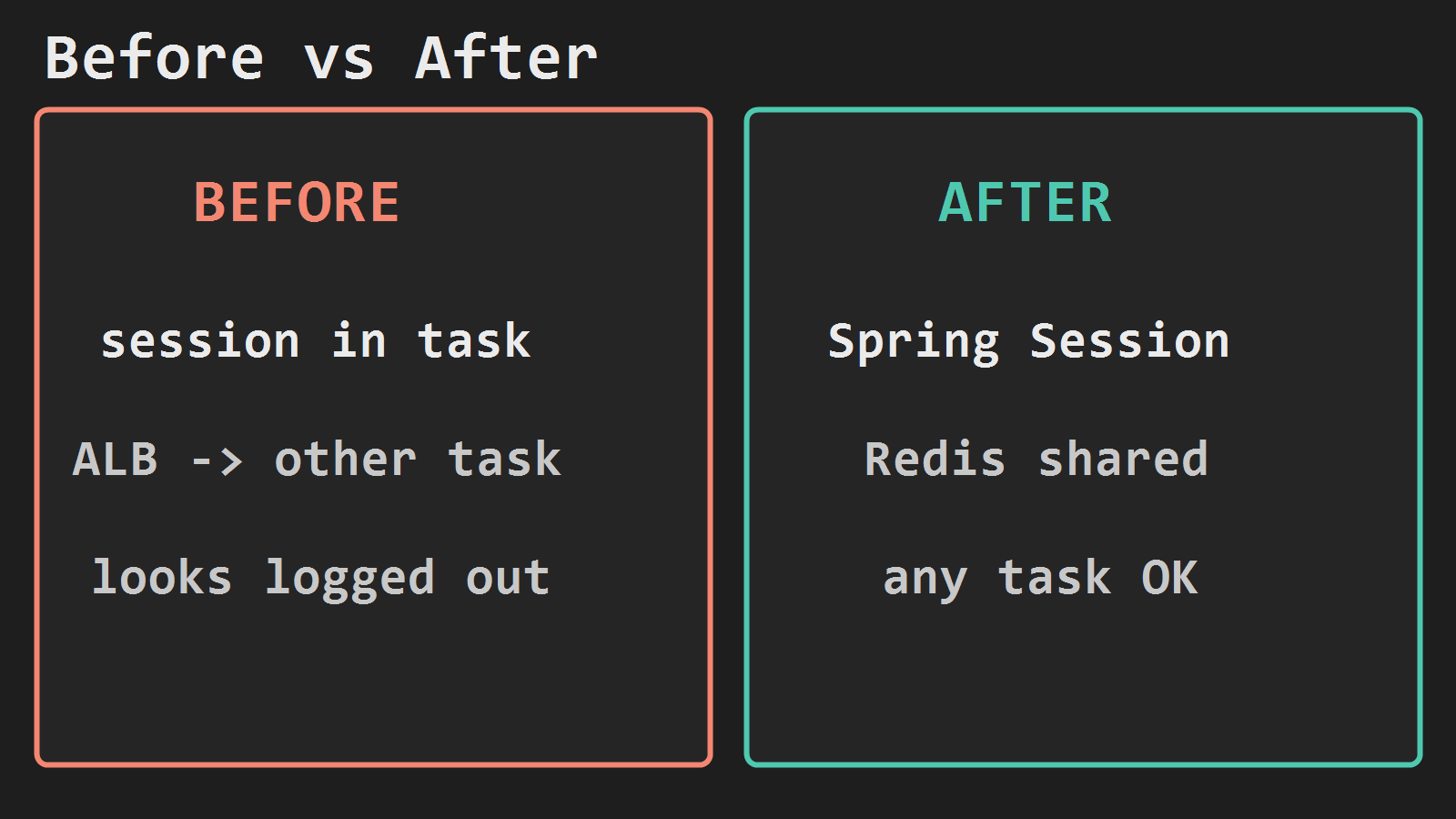
You already run Spring Boot on Fargate, put ALB HTTPS in front, and wire Aurora with JPA. Health and writes work. The next break is session: login sticks only on the task that handled it. ALB sends the next request to another task, and the user looks logged out. There is no 127.0.0.1:6379 beside the jar on Fargate.
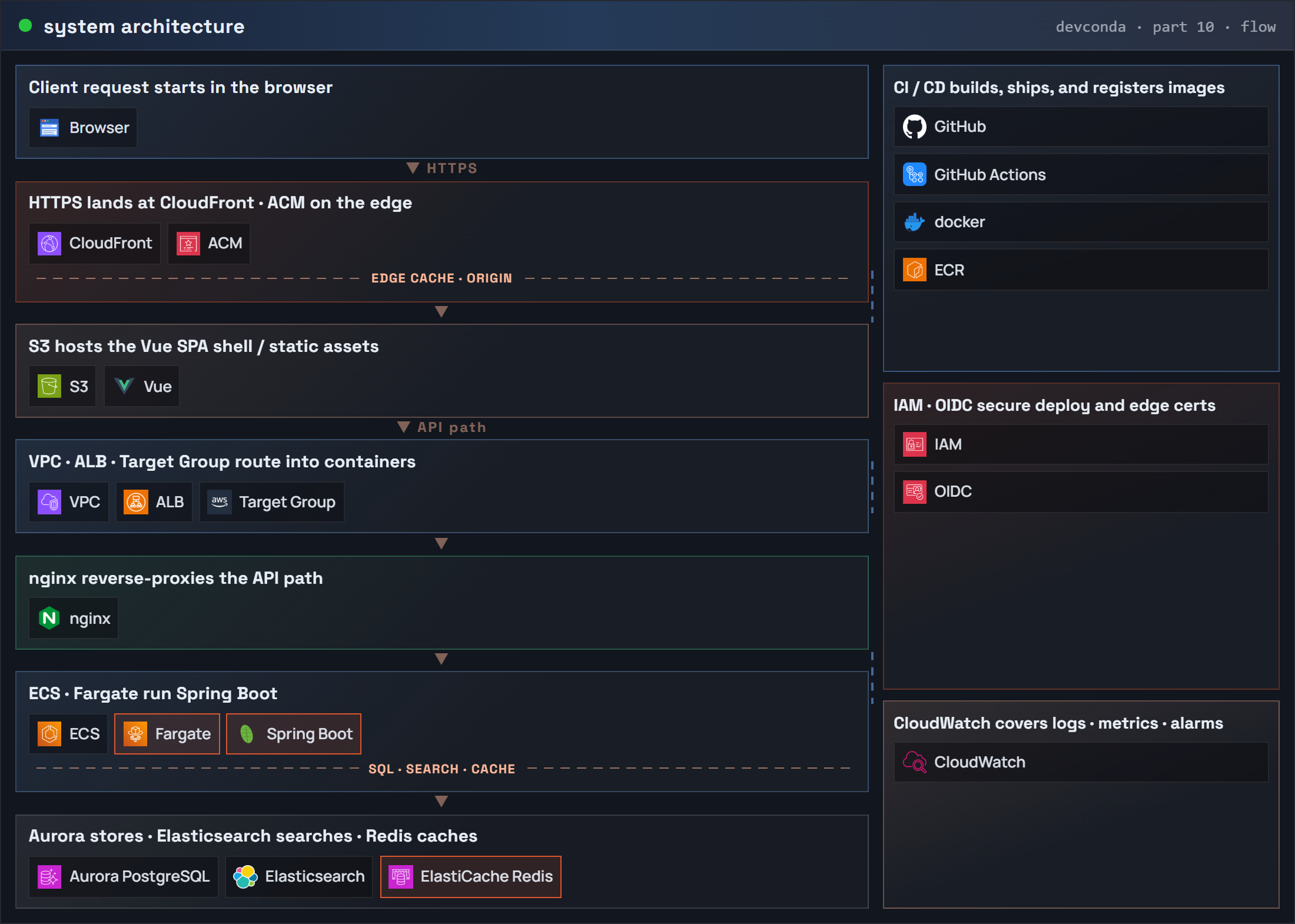
Those posts ship and expose the API. Here the next step is Redis on private 6379, then Spring Session so every task reads the same session. The series master map (part 10) keeps the same request flow and adds ElastiCache Redis. Highlight: Fargate · Spring Boot · ElastiCache Redis.
What you are building
Same account / region / VPC / API task security group as the Fargate + Aurora posts. Redis stays private. Only the task SG may open TCP 6379.
End state: after login, a second request through the ALB (possibly another task) still sees the same session. Session keys live in Redis, not in one container’s heap.
Part 10: system architecture (request flow) – ElastiCache Redis
Before: session in one task. After: Spring Session on Redis shared by every task.
Redis security group
Reuse the API task SG. Create a Redis SG that accepts TCP 6379 only from that task SG.
REGION=ap-northeast-2
VPC_ID=vpc-xxxxxxxx
TASK_SG=sg-yyyyyyyy
SUBNET_A=subnet-aaaa
SUBNET_B=subnet-bbbb

REDIS_SG=$(aws ec2 create-security-group \
  --group-name api-redis-sg \
  --description "ElastiCache Redis from Fargate tasks only" \
  --vpc-id $VPC_ID \
  --region $REGION \
  --query GroupId --output text)

aws ec2 authorize-security-group-ingress \
  --group-id $REDIS_SG \
  --protocol tcp --port 6379 \
  --source-group $TASK_SG \
  --region $REGION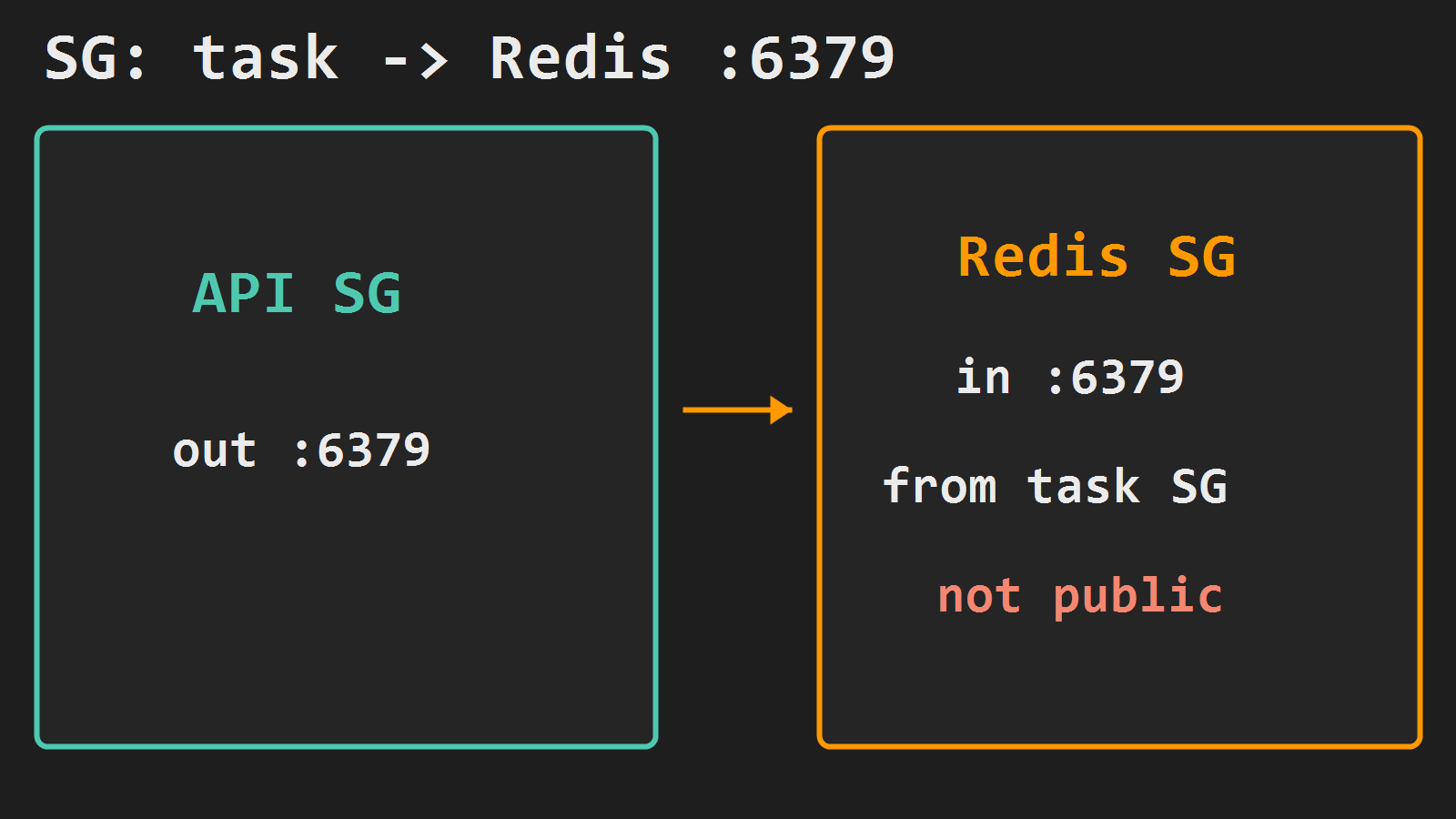
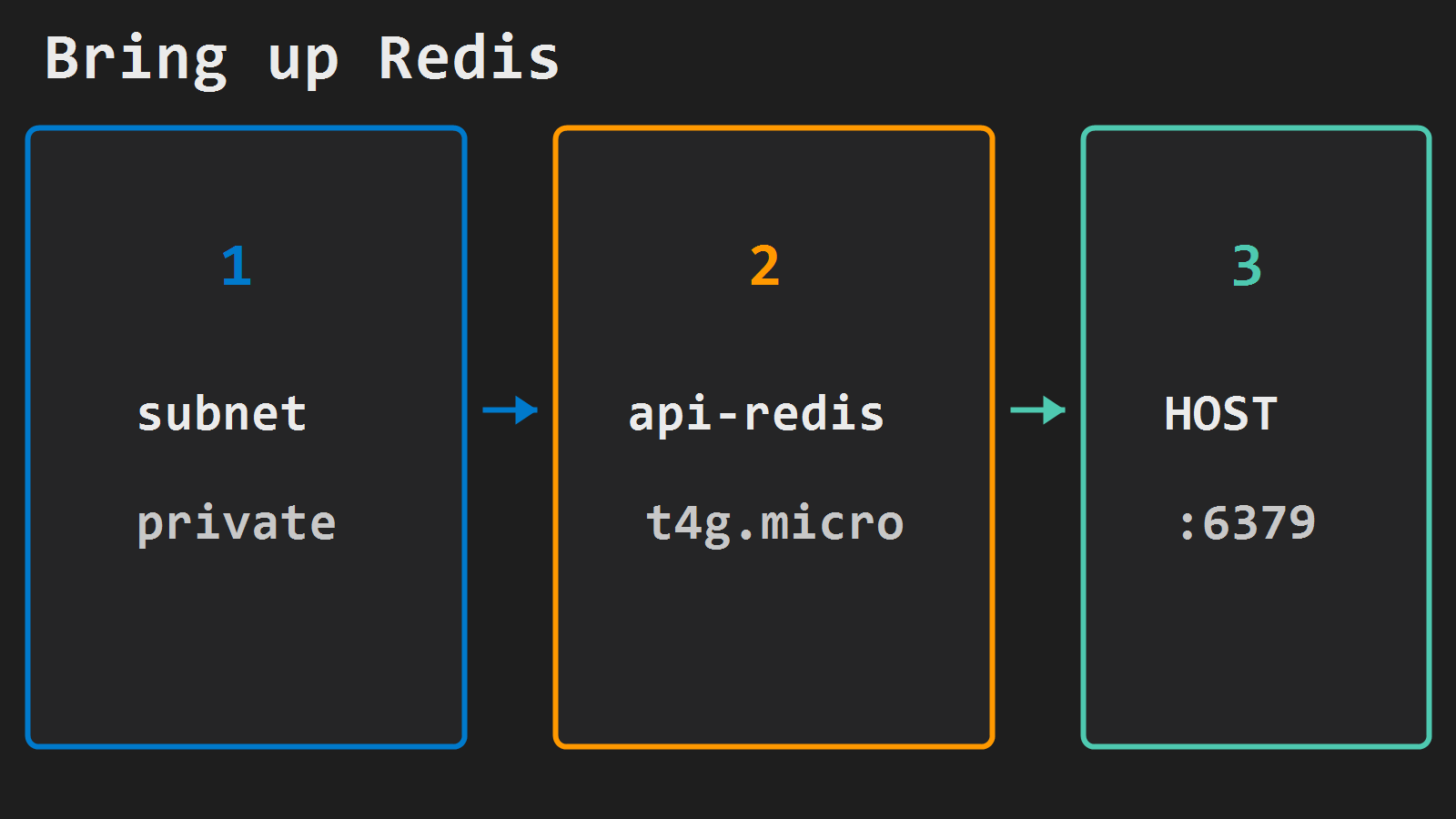
Create ElastiCache Redis (single node lab)
aws elasticache create-cache-subnet-group \
  --cache-subnet-group-name api-redis-subnets \
  --cache-subnet-group-description "Private subnets for api Redis" \
  --subnet-ids $SUBNET_A $SUBNET_B \
  --region $REGION

aws elasticache create-cache-cluster \
  --cache-cluster-id api-redis \
  --engine redis \
  --cache-node-type cache.t4g.micro \
  --num-cache-nodes 1 \
  --cache-subnet-group-name api-redis-subnets \
  --security-group-ids $REDIS_SG \
  --region $REGION
aws elasticache describe-cache-clusters \
--cache-cluster-id api-redis \
--show-cache-node-info \
--region $REGION \
--query 'CacheClusters[0].CacheNodes[0].Endpoint.[Address,Port]' \
--output textSave that host as REDIS_HOST (port 6379). Do not open 6379 to 0.0.0.0/0.
Point Spring Session at Redis
Dependencies:
spring-boot-starter-data-redisspring-session-data-redis
Minimal config (Boot 3 style):
@Configuration
@EnableRedisHttpSession
public class SessionConfig {
}
spring:
data:
redis:
host: ${SPRING_DATA_REDIS_HOST}
port: ${SPRING_DATA_REDIS_PORT:6379}
session:
store-type: redis
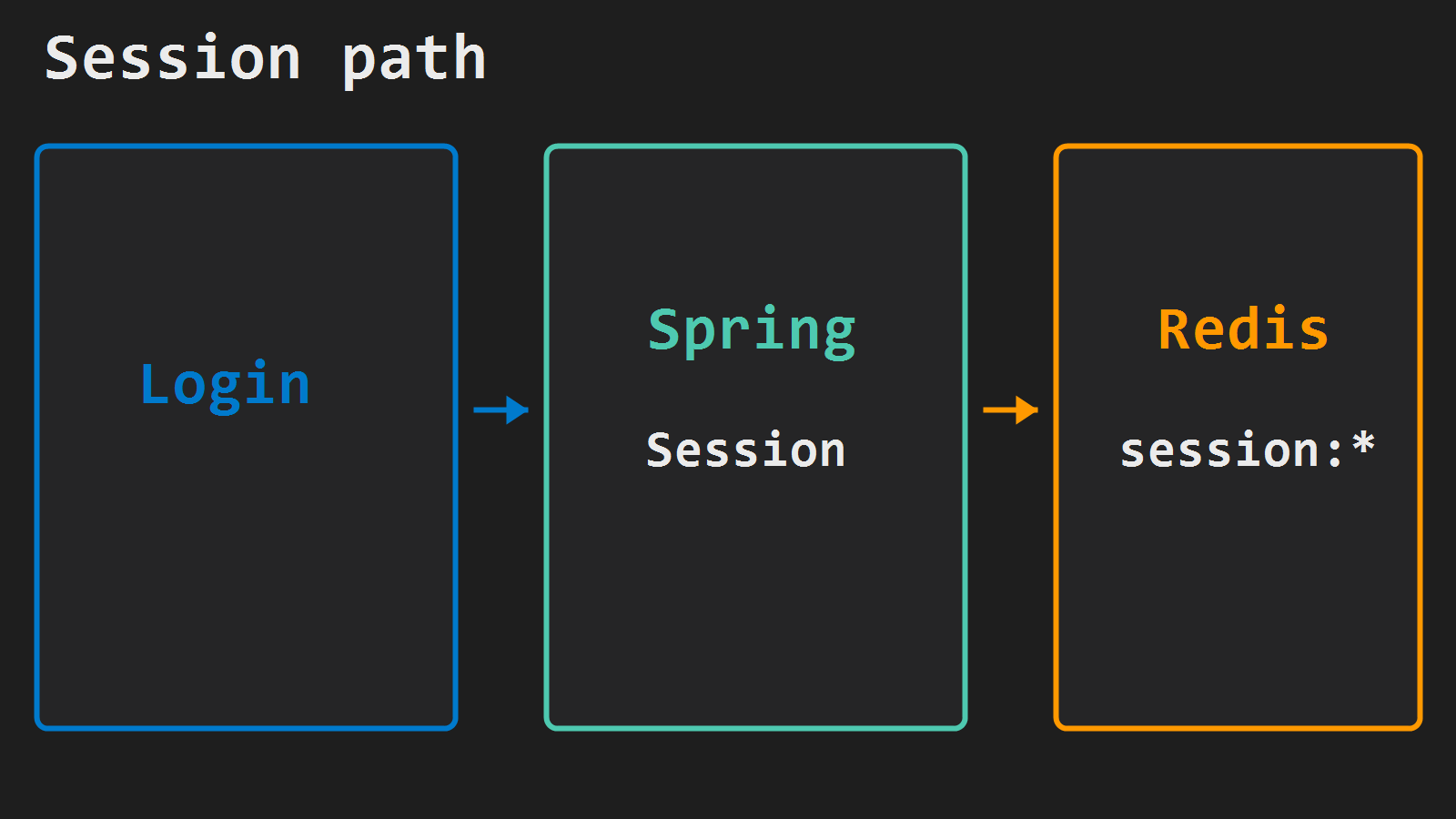
timeout: 30mKeep your existing form login (or HTTP basic for the lab). After authenticate, Spring Session writes the session into Redis and sets the session cookie. Do not put passwords in Redis yourself – the session store holds the session id and attributes Spring already manages.
On the api task definition:
| Name | Value |
|---|---|
SPRING_DATA_REDIS_HOST | $REDIS_HOST |
SPRING_DATA_REDIS_PORT | 6379 |
Rebuild, push, and roll the same Actions path as part 4, or update-service --force-new-deployment. Run desired count 2 for one deploy so ALB can hit two tasks while you verify.
Verify
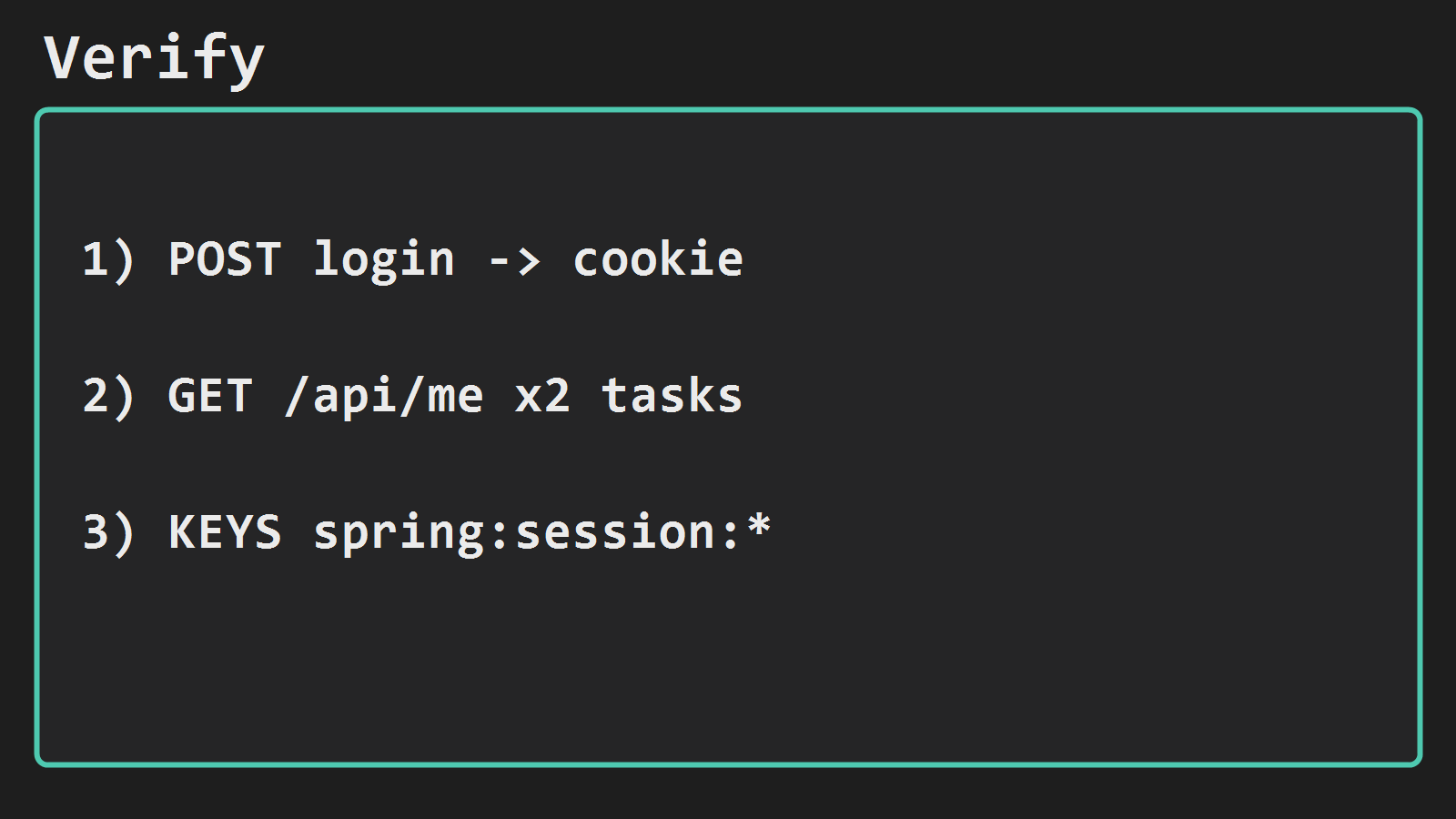
# Login once; save the session cookie
curl -sf -c /tmp/api.txt -X POST "https://api.example.com/login" \
  -d "username=demo&password=demo"

# Same cookie, several times (ALB may pick another task)
curl -sf -b /tmp/api.txt "https://api.example.com/api/me"
curl -sf -b /tmp/api.txt "https://api.example.com/api/me"
Inside the VPC:
redis-cli -h $REDIS_HOST PING
redis-cli -h $REDIS_HOST KEYS 'spring:session:*'
If /api/me works only when you land on the first task and fails on the second, session is still in memory – check store-type, host env, and that both tasks share the same Redis SG path. Sticky ALB sessions can hide the bug; prefer two tasks and no stickiness for this proof.
Minimal checklist
- Redis SG allows
6379only from the API task SG; not public. api-redisavailable; both tasks getREDIS_HOST.spring-session-data-redisenabled; login sets a session cookie.- Second request (other task) still authenticated;
spring:session:*keys exist in Redis. - Passwords stay out of Redis; session store only.




Leave a Reply