When should you read this?
You already proved _search locally and ran ES on 127.0.0.1 next to Spring on EC2. You also run the API on Fargate with Aurora. The Spring search code is the same job as the EC2 post. What breaks on Fargate is placement: there is no server to SSH into beside the jar, and no 127.0.0.1:9200 on that same host.
Those posts cover a local run and one EC2 host. Here the next step is Elasticsearch in the VPC that the Fargate task can reach on private 9200, then the same search URL through the ALB.
What you are building
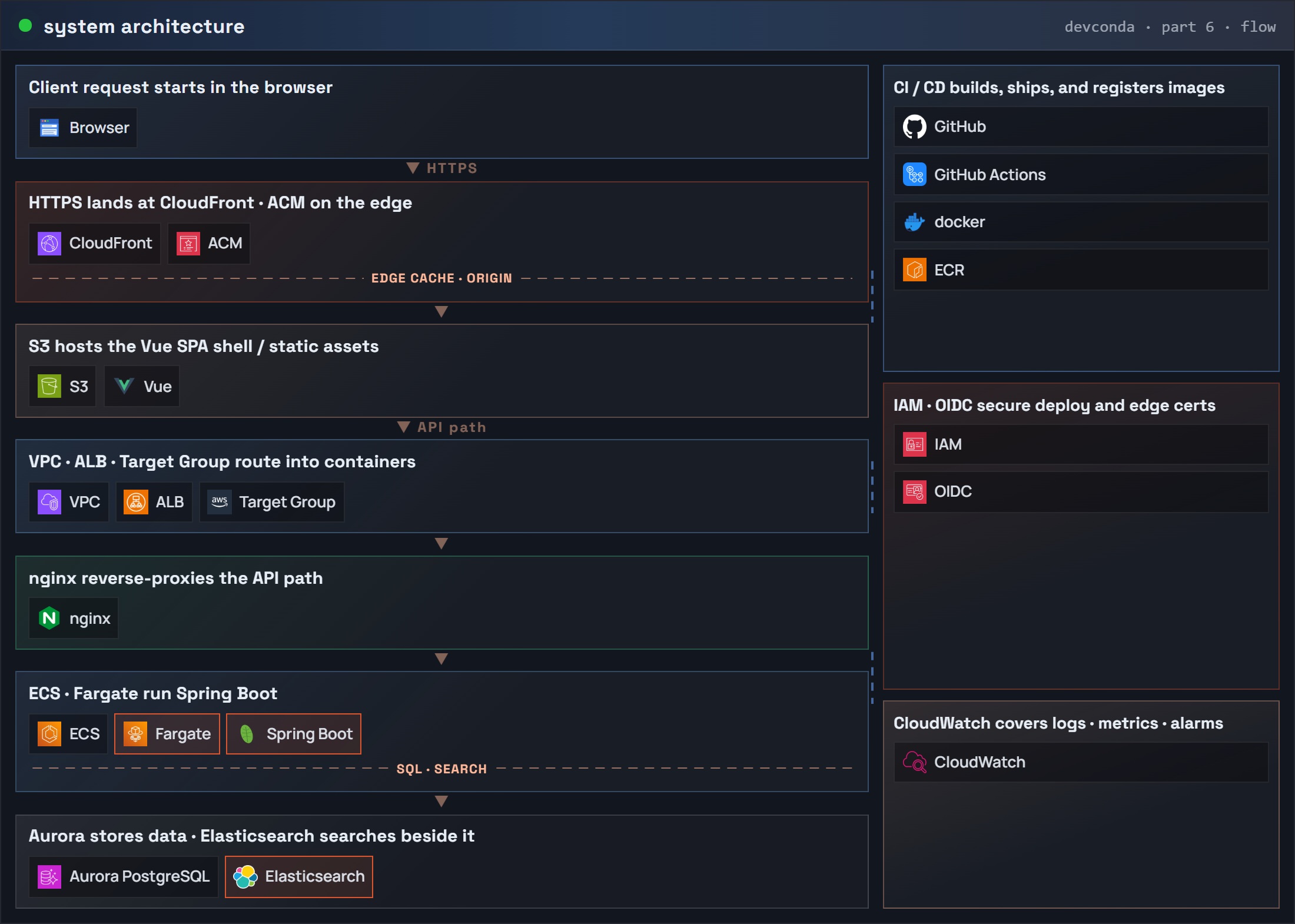
Same account / region / VPC / API task security group as the Fargate + Aurora posts. ES is a second Fargate service. Aurora stays writes and id lookups.
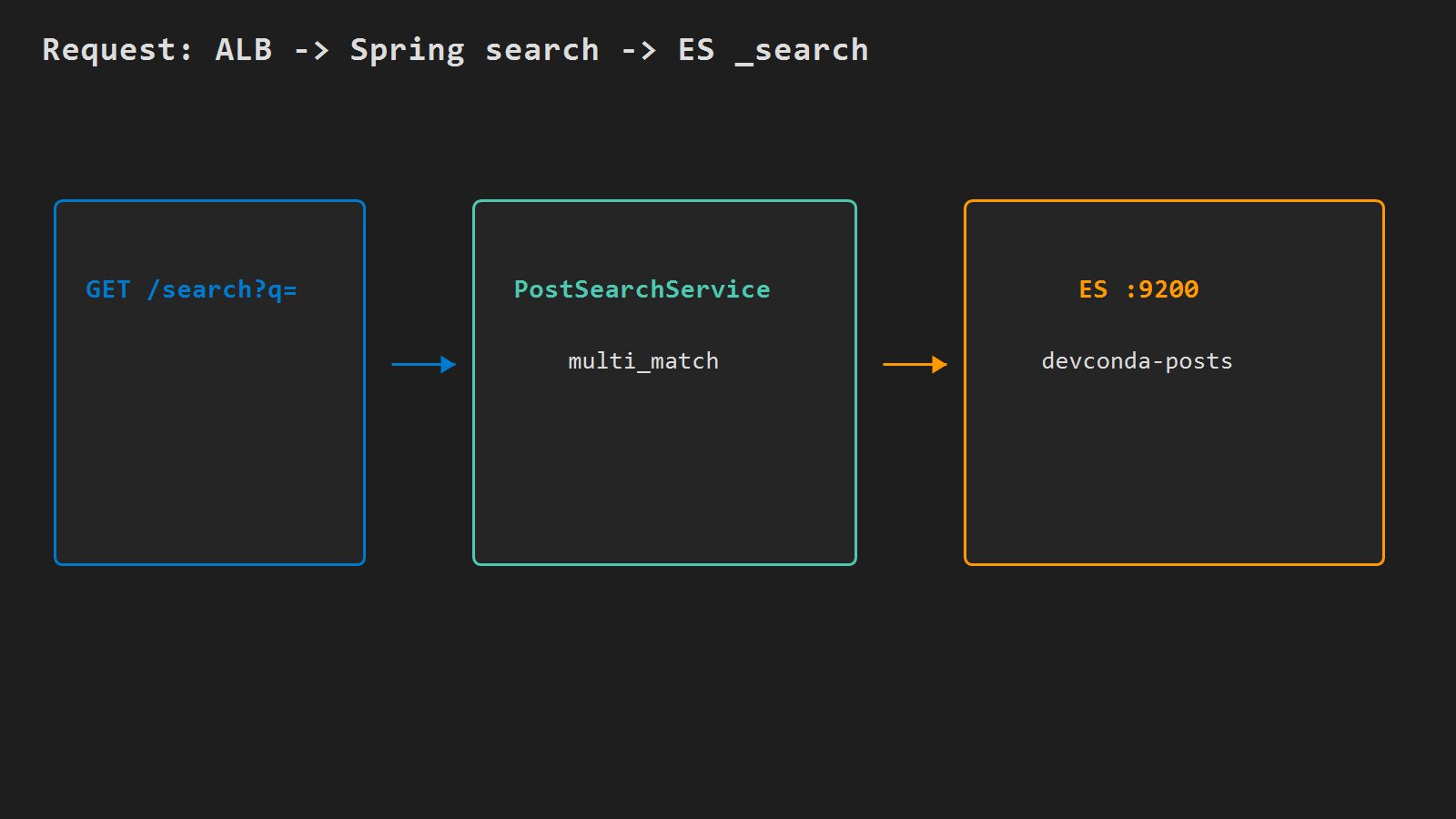
Part 6: system architecture (request flow) – Spring Boot / Fargate / Elasticsearch
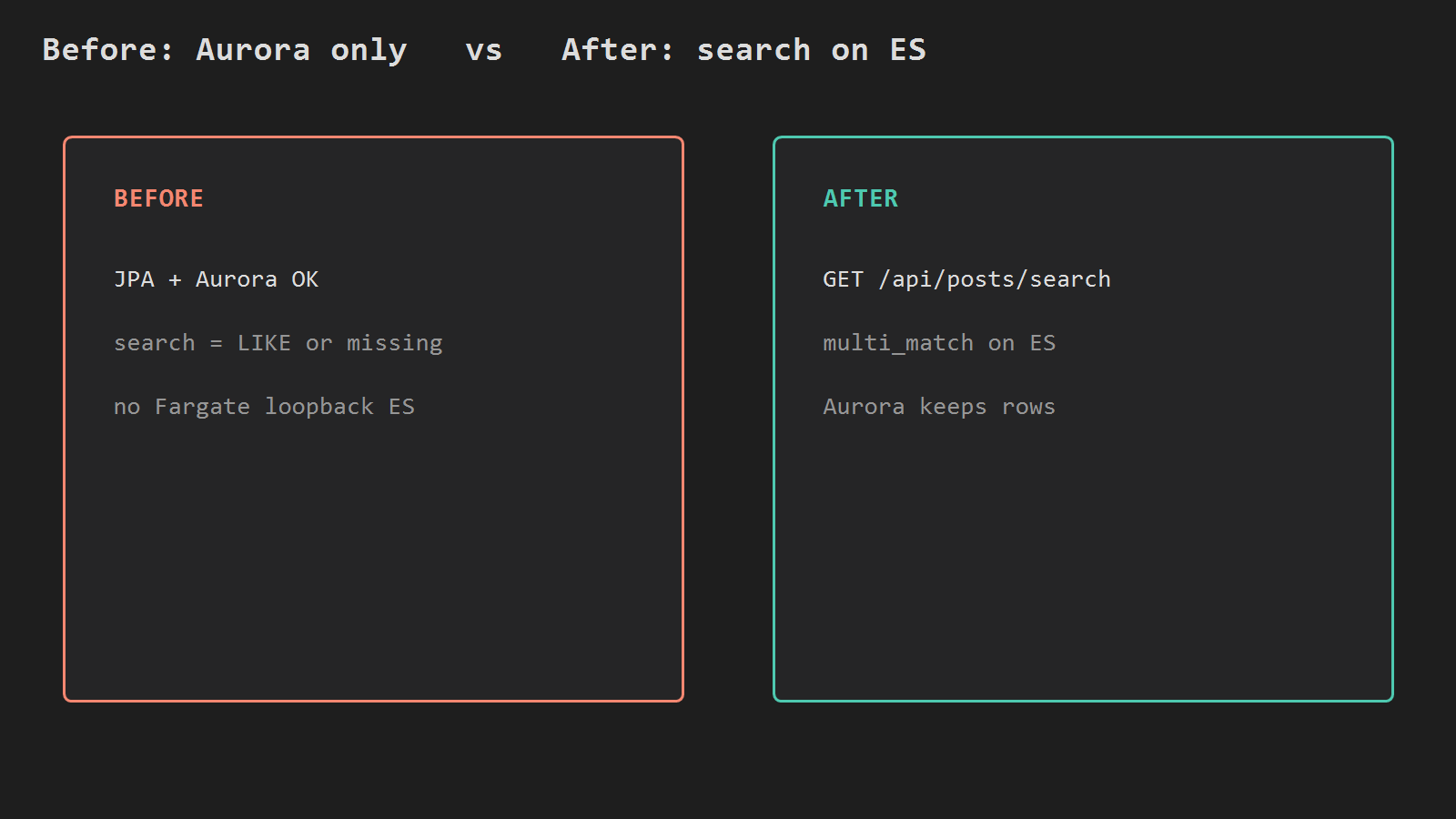
Before: API + Aurora only (search missing or LIKE). After: API calls private ES; the security group keeps 9200 off the internet.
ES security group
Reuse the API task security group. Create an ES security group that accepts TCP 9200 only from that task security group.
REGION=ap-northeast-2
CLUSTER=api
# Same VPC as the Fargate api service
VPC_ID=vpc-xxxxxxxx
# API task security group from Fargate / Aurora posts
TASK_SG=sg-yyyyyyyy
# Private subnet(s) already used by the api service
SUBNET=subnet-zzzzzzzz

# Create ES SG; capture GroupId
ES_SG=$(aws ec2 create-security-group \
  --group-name api-es-sg \
  --description "ES 9200 from Fargate api tasks only" \
  --vpc-id $VPC_ID \
  --region $REGION \
  --query GroupId --output text)

# Allow 9200 only from the api task SG (not 0.0.0.0/0)
aws ec2 authorize-security-group-ingress \
  --group-id $ES_SG \
  --protocol tcp --port 9200 \
  --source-group $TASK_SG \
  --region $REGION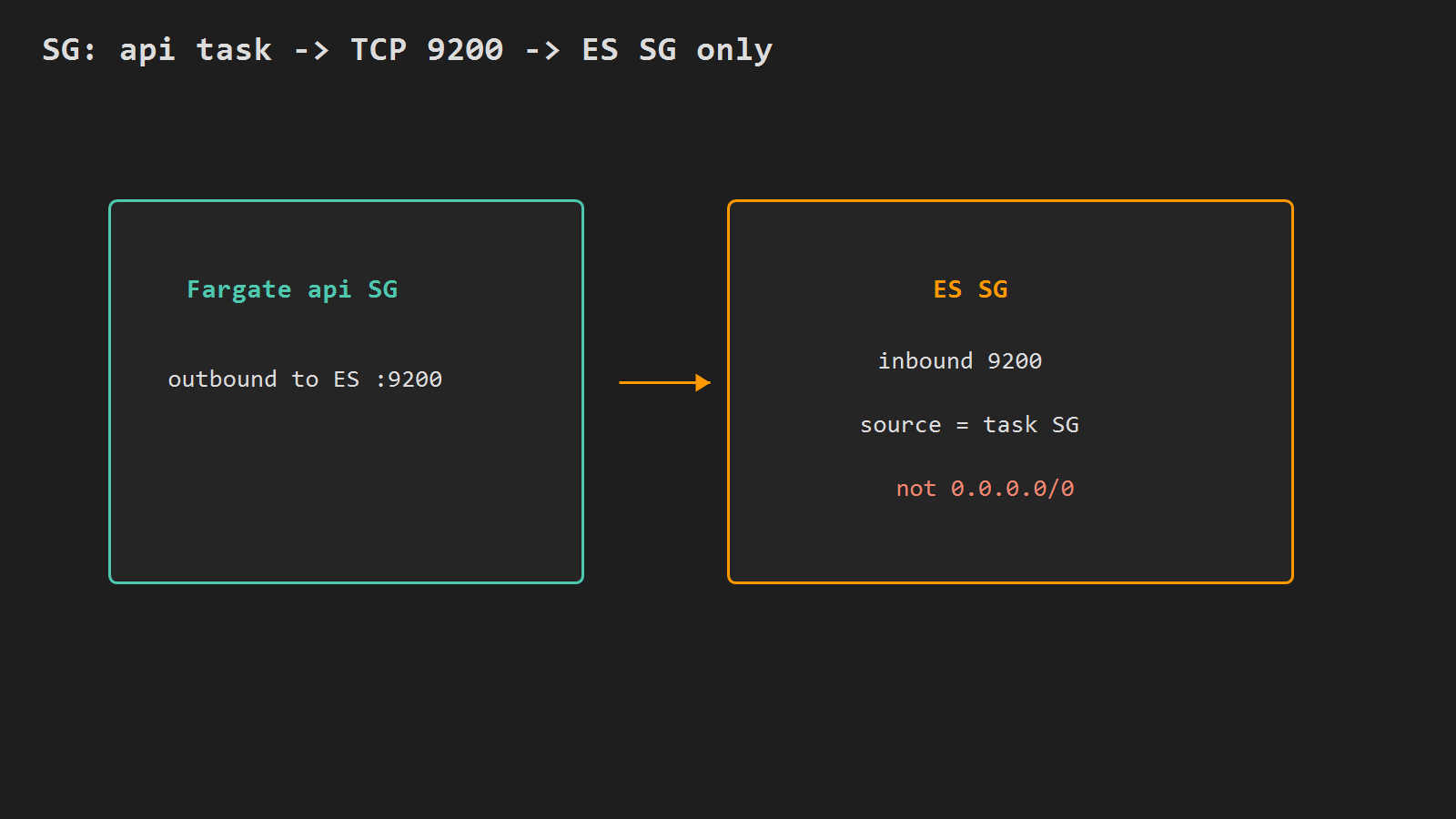
Run Elasticsearch as a Fargate service
Reuse ecsTaskExecutionRole from the Fargate series (ECR pull + logs). Single-node lab image; heap 512m needs about 1 vCPU / 2048 MiB.
Write es-task-def.json (replace EXEC_ROLE_ARN and region):
{
  "family": "es",
  "networkMode": "awsvpc",
  "requiresCompatibilities": ["FARGATE"],
  "cpu": "1024",
  "memory": "2048",
  "executionRoleArn": "EXEC_ROLE_ARN",
  "containerDefinitions": [
    {
      "name": "es",
      "image": "docker.elastic.co/elasticsearch/elasticsearch:8.15.0",
      "essential": true,
      "portMappings": [{ "containerPort": 9200, "protocol": "tcp" }],
      "environment": [
        { "name": "discovery.type", "value": "single-node" },
        { "name": "xpack.security.enabled", "value": "false" },
        { "name": "ES_JAVA_OPTS", "value": "-Xms512m -Xmx512m" }
      ],
      "logConfiguration": {
        "logDriver": "awslogs",
        "options": {
          "awslogs-group": "/ecs/es",
          "awslogs-region": "ap-northeast-2",
          "awslogs-stream-prefix": "es"
        }
      }
    }
  ]
}
# Log group for ES container stdout
aws logs create-log-group --log-group-name /ecs/es --region $REGION
# Register the ES task definition
aws ecs register-task-definition \
--cli-input-json file://es-task-def.json \
--region $REGION
# Create service es in the same cluster as api (private IP, no public)
aws ecs create-service \
--cluster $CLUSTER \
--service-name es \
--task-definition es \
--desired-count 1 \
--launch-type FARGATE \
--network-configuration "awsvpcConfiguration={subnets=[$SUBNET],securityGroups=[$ES_SG],assignPublicIp=DISABLED}" \
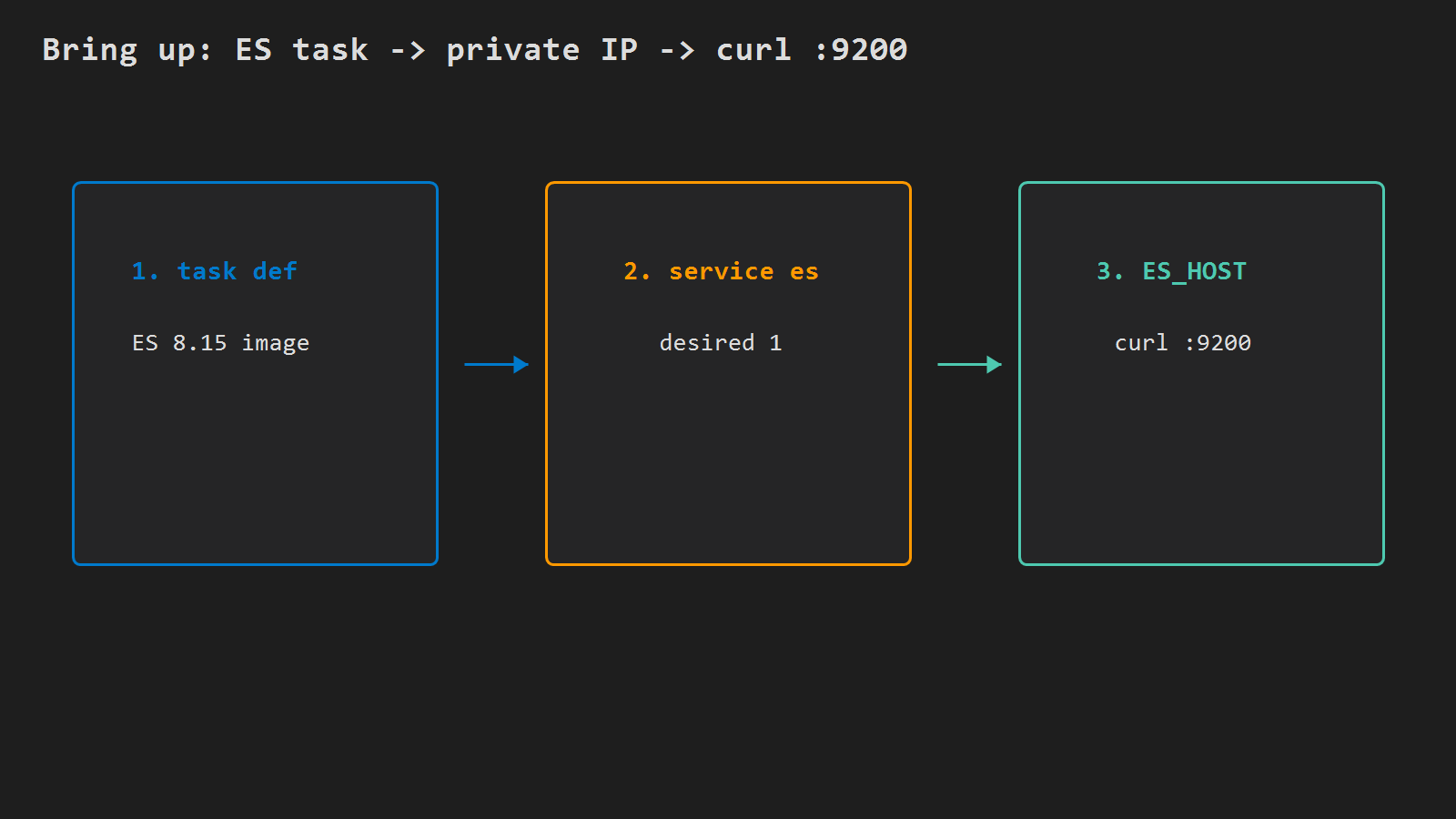
--region $REGIONRead the running task private IPv4 (put it in the API env for today; service discovery later):
# First running task ARN for service es
TASK=$(aws ecs list-tasks --cluster $CLUSTER --service-name es \
  --region $REGION --query 'taskArns[0]' --output text)

# Private IPv4 on the task ENI
ES_HOST=$(aws ecs describe-tasks --cluster $CLUSTER --tasks $TASK \
  --region $REGION \
  --query 'tasks[0].attachments[0].details[?name==`privateIPv4Address`].value' \
  --output text)

# Must succeed from a host/task inside the VPC
curl -s "http://${ES_HOST}:9200"
xpack.security.enabled=false is only OK while 9200 stays private. Create index devconda-posts, bulk the NDJSON from the LIKE post, run one multi_match _search from inside the VPC. One-node yellow is normal.
Point the API at that host
The search controller and multi_match are the same as Connect Spring Boot to Elasticsearch on EC2. Do not rewrite that path. On the api task definition, set:
| Name | Value |
|---|---|
ELASTICSEARCH_URL | http://$ES_HOST:9200 |
If the image already has the ES client from the EC2 work, rebuild is optional; registering a new task revision with the env and forcing a new deployment is enough. Roll with the same Actions path as part 4, or update-service --force-new-deployment by hand.
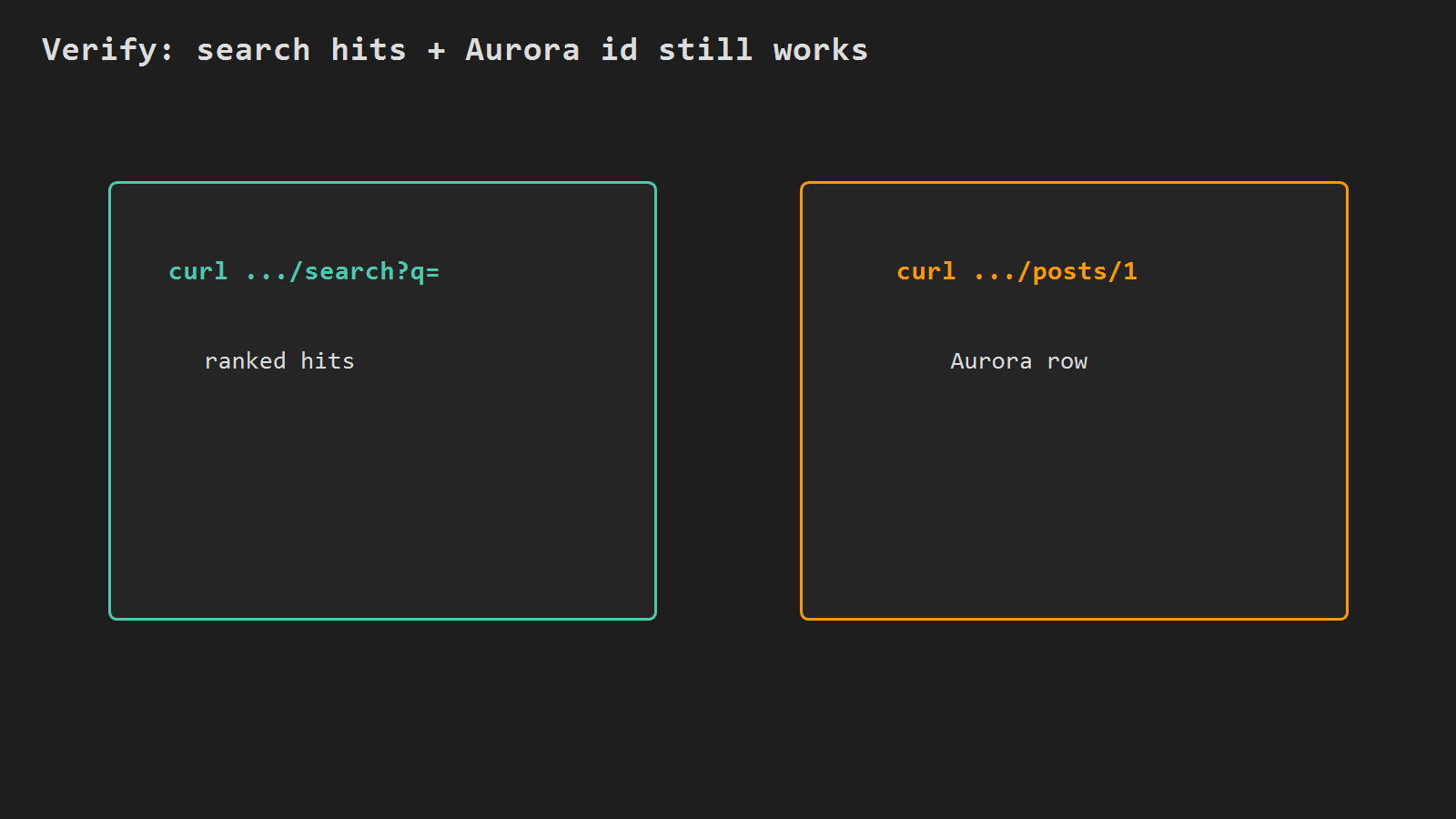
Verify
# Through ALB - expect hits, not empty []
curl -sf "https://api.example.com/api/posts/search?q=nginx%20spring"

# Writes / id lookup still Aurora
curl -sf "https://api.example.com/api/posts/1"
Empty [] with ES up usually means bulk never ran on this cluster. Connection refused from the API task means wrong ES_HOST, security group, or ES service down. If the ES task restarts and gets a new IP, update ELASTICSEARCH_URL (or add service discovery later).
Minimal checklist
- ES security group allows
9200only from the API task security group; not public. - Service
esis running;curl http://$ES_HOST:9200works inside the VPC; index + bulk loaded. - API task env
ELASTICSEARCH_URL=http://$ES_HOST:9200(same Spring search code as the EC2 post). - ALB
GET /api/posts/searchreturns hits; Aurora id/write path still works.
After that, the Fargate API reaches Elasticsearch on a private 9200 – same Spring search path as the EC2 post, but the host is a VPC private IP instead of 127.0.0.1.




Leave a Reply